

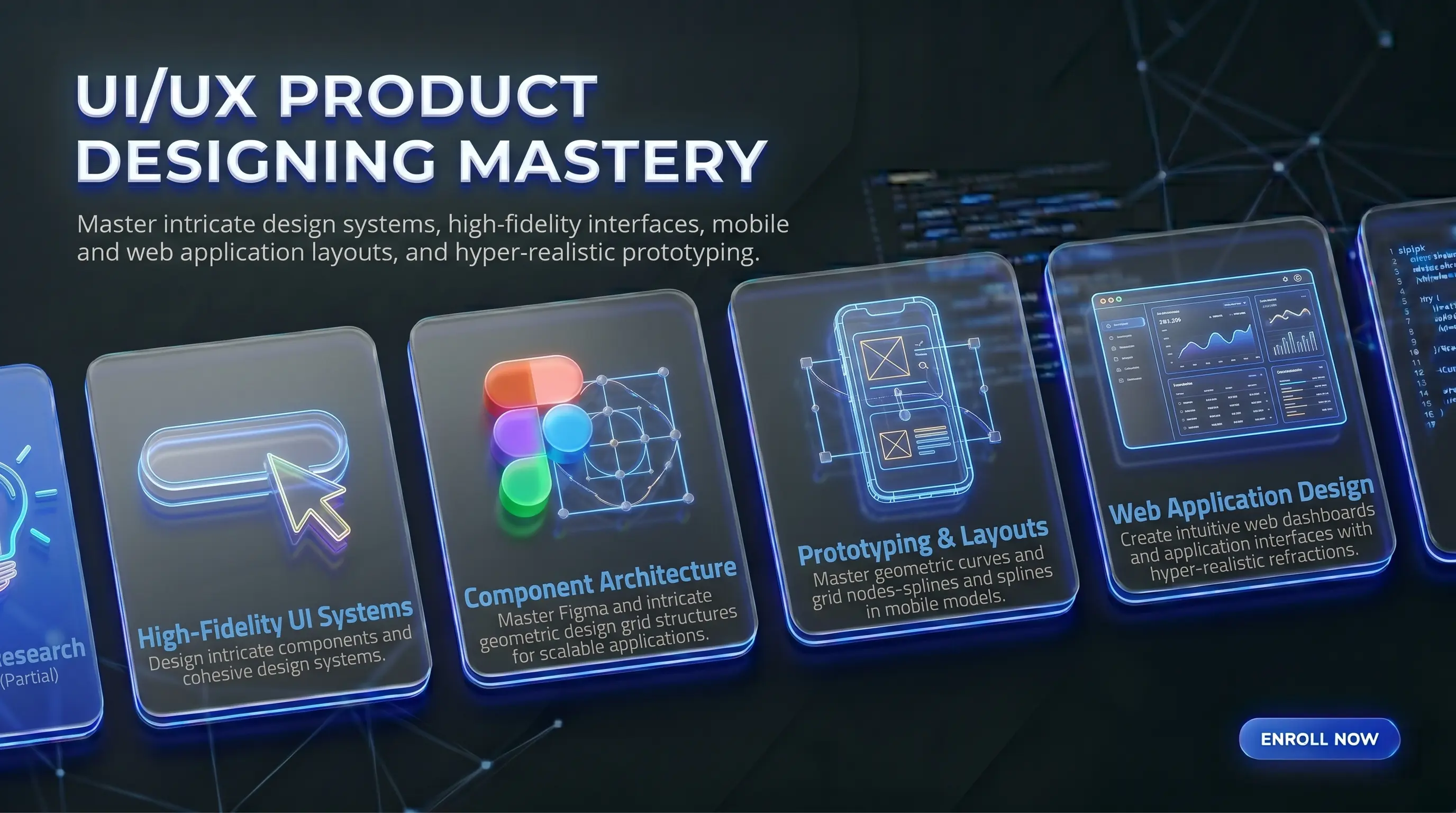
Master UI/UX Designing Mastery Course in Surat
Master user research, wireframing, interactive prototyping, and AI-driven interface layouts using Figma, Adobe XD, and Photoshop with 100% practical 1-on-1 mentorship.
Course Overview
Curriculum Roadmap
Module 1: UX Foundations: Understanding Users and Planning Flows
- What is UX design? Understanding User-Centered Design (UCD), Design Thinking, and basic human psychology behind app decisions
- How to do user research: interviewing real users, running competitor analysis, and building user personas (profiles of your target audience)
- Mapping out how users move through an app: user flow diagrams, customer journey maps, and Information Architecture (IA) — basically, planning what goes where
- Low-fidelity wireframing: sketching rough screen layouts on paper and turning them into simple digital frames before any visual design begins
Module 2: Building High-Quality UI Screens in Figma
- Getting comfortable in Figma: vectors, grids, layout columns, frames, and managing your canvas
- Auto-Layout in Figma: building navigation bars, cards, and tables that automatically resize and stay consistent across screen sizes
- Creating reusable component libraries, design systems, and consistent color and typography style guides — so your designs scale without breaking
- Advanced prototyping in Figma: Smart Animate transitions, scroll effects, overlay triggers, and interactive states to make your designs feel like real apps
Module 3: Prototyping and Motion Design in Adobe XD
- Getting started with Adobe XD: artboards, responsive resize, and Repeat Grids for building repeating layouts faster
- Creating micro-interactions, Auto-Animate transitions, and tap/hover states that make prototypes feel smooth and realistic
- Voice-triggered prototypes, audio configurations, and testing your layouts on actual device screen sizes
- Handing off designs to developers: creating shared links, adding comments, and generating design specs so developers know exactly what to build
Module 4: Visual Asset Creation in Adobe Photoshop
- Working with raster assets: exporting images at correct resolutions (1x, 2x, 3x) for web and mobile screens
- Designing visual UI elements like glassmorphism backgrounds, custom texture cards, and layered graphic components for app screens
- Non-destructive editing techniques: masking, retouching, and compositing product images so they look clean inside an app interface
- Building App Store and Play Store marketing graphics: mockup screens, banners, and presentation visuals
Module 5: AI Design Tools and Portfolio Launch
- Using AI plugins inside Figma and XD to auto-generate placeholder content, UX copy, and user persona data — so you spend less time on busywork
- Text-to-UI tools: generating quick wireframe ideas, icon sets, and layout inspiration using AI, then refining them into polished designs
- Building two complete case studies — one mobile app, one responsive web project — and publishing them on Behance and Dribbble
- Writing a product design resume, setting up your portfolio correctly, and mock interview preparation for UI/UX design roles
Meet Your Mentors

Taiyeb Khumri
Founder and Lead Educator at NodeToLearn
Taiyeb Hariyanawala is the Founder and Lead Educator at NodeToLearn, a premier computer education institute based in Nanpura, Surat. With a deep specialization in digital marketing, video editing, and full-stack software development, Taiyeb integrates cutting-edge AI-driven workflows and agentic automation into professional technical training. Committed to academic excellence, he has implemented ISO 21001:2018 certification standards to provide industry-leading curricula in Python, Flutter, and web technologies. His mission is to bridge the gap between complex IT concepts and practical application for the next generation of digital creators and developers.
View LinkedIn ProfileWho is this for?
This course is built for BCA, MCA, and IT/CS engineering students who want to move into product design roles. It's also a good fit for web developers who want to stop relying on others for design decisions, graphic designers who want to shift from print or social media work into app and web UI, and anyone planning to build their own app or startup and wants to design it themselves.
Career Opportunities
Prerequisites
Basic computer operating skills and a creative mindset. (No coding or programming required!)
Tools Covered
Certification
ISO 21001:2018 Certified Professional UI/UX Product Designer Certificate
Earn a certificate that actually holds weight in the industry.
To earn your certificate, you complete two full case studies: one mobile app design in Figma (with components, auto-layout, and an interactive prototype) and one web interface in Adobe XD. After review and approval, you receive an ISO 21001:2018 Certified Professional UI/UX Product Designer certificate with a verifiable number.

Our Training & Placement Methodology Trusted Process
We maintain full transparency in our curriculum delivery and placement assistance. Our certification is backed by rigorous live-project evaluations and our placement claims are verified by our extensive network of hiring partners across Surat.
Real-World Curriculum
Our syllabus is continuously updated based on direct feedback from industry HRs and Senior Tech Leads to ensure market relevance.
Placement Process
100% placement assistance isn't just a promise; it includes mandatory resume building, mock technical interviews, and direct employer referrals.
Expert Led Sessions
Classes are solely conducted by working professionals with a minimum of 5+ years of active industry experience in their respective domains.
ISO 21001:2018 Certified
Our educational management system is officially certified, guaranteeing international standards in training quality and student assessment.
Transparent Certification Process
Frequently Asked Questions
We also offer this course in:
Course Features
-
Duration4 months
-
LevelAdvanced
-
CertificationISO 21001:2018 Certified Professional UI/UX Product Designer Certificate
-
PaymentEMI Option Available
-
Career100% Placement Assistance
NodeToLearn Certified Students
Join hundreds of students who have successfully completed their training and earned their industry-recognized certificates.
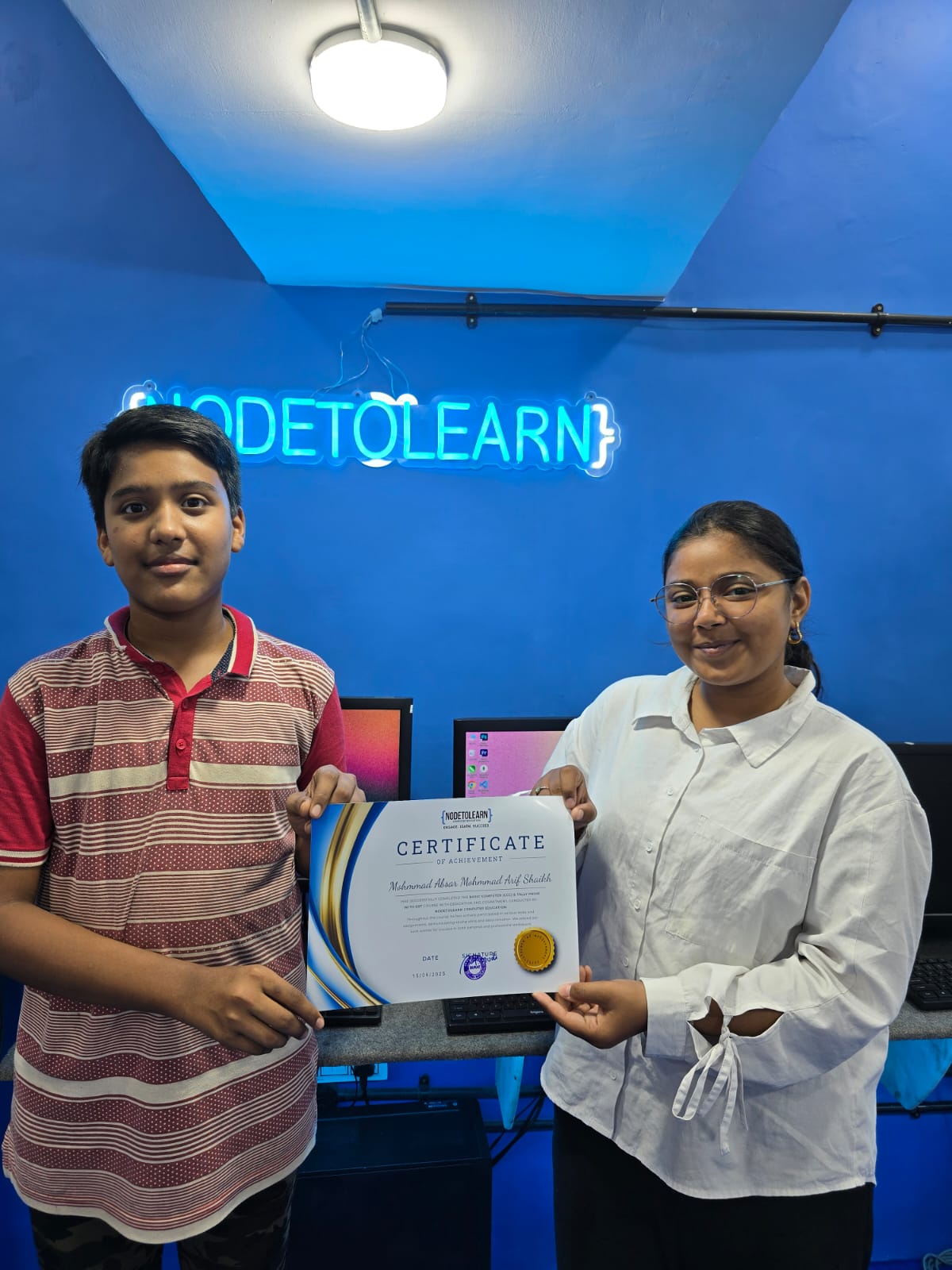
Mh Absar Shaikh - Basic Computer (CCC) & Tally Prime With GST
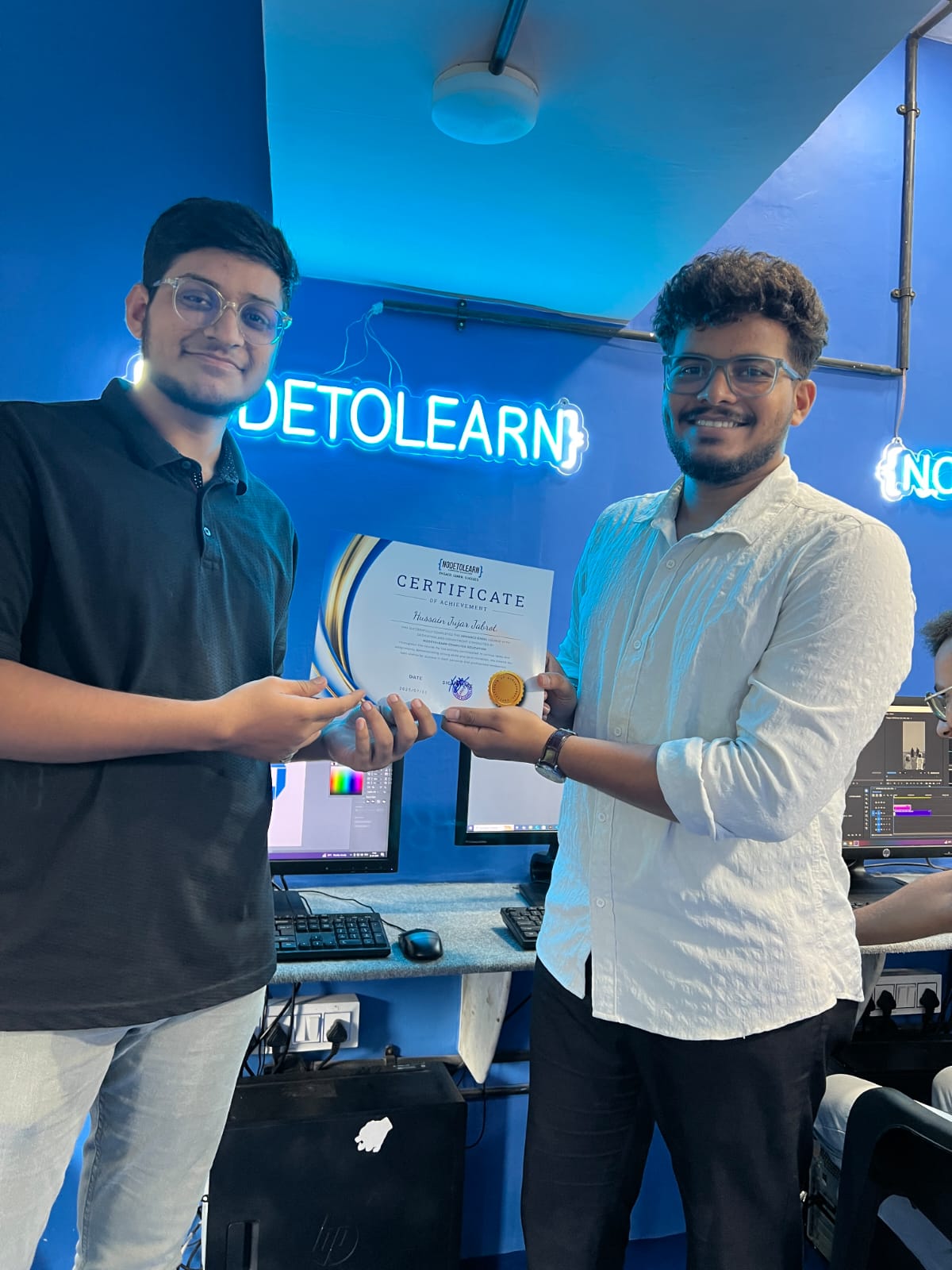
Hussain Jabrot - Advance Excel
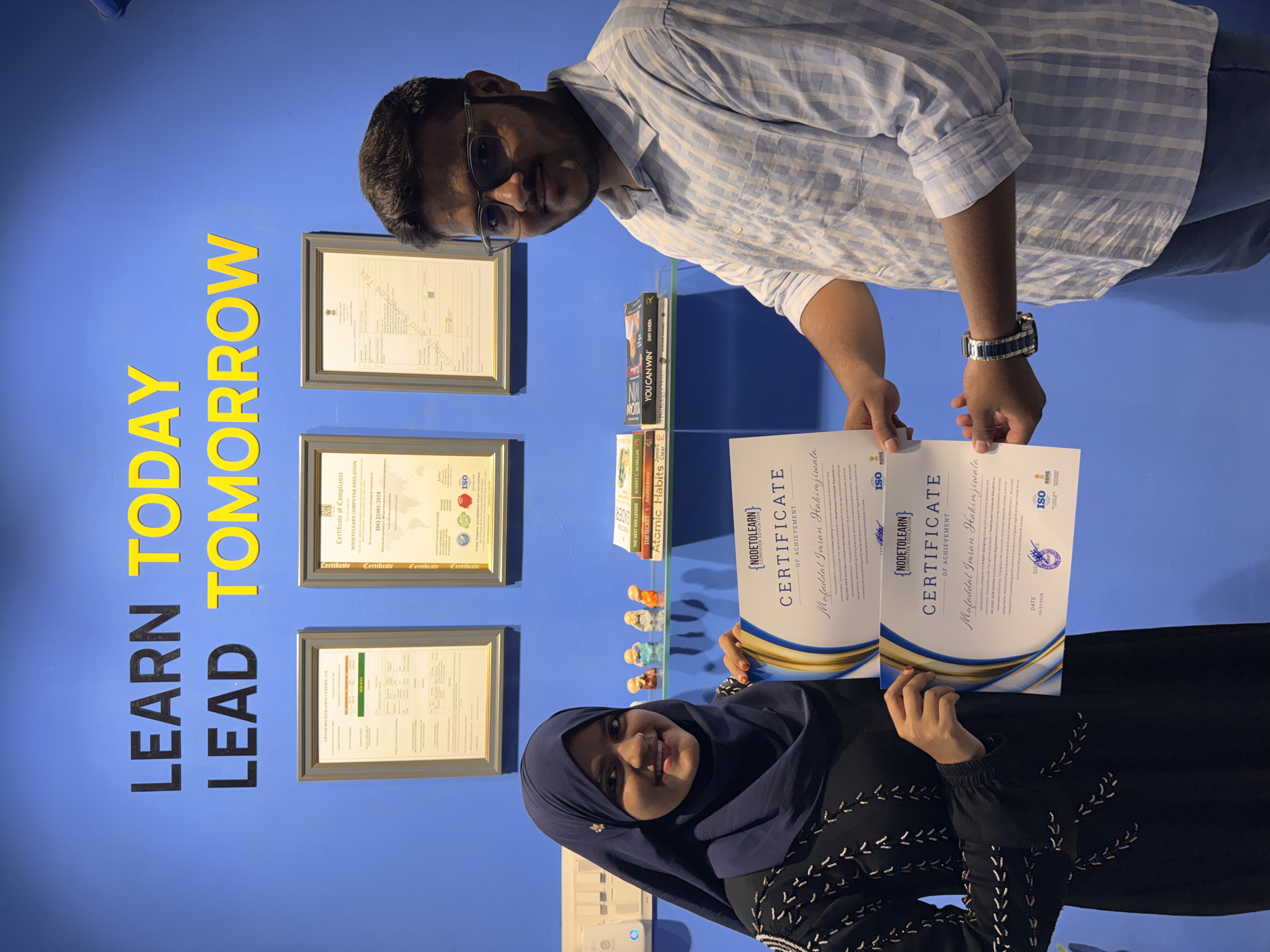
Mufaddal Hakimji - Video Editing & Graphic Designing
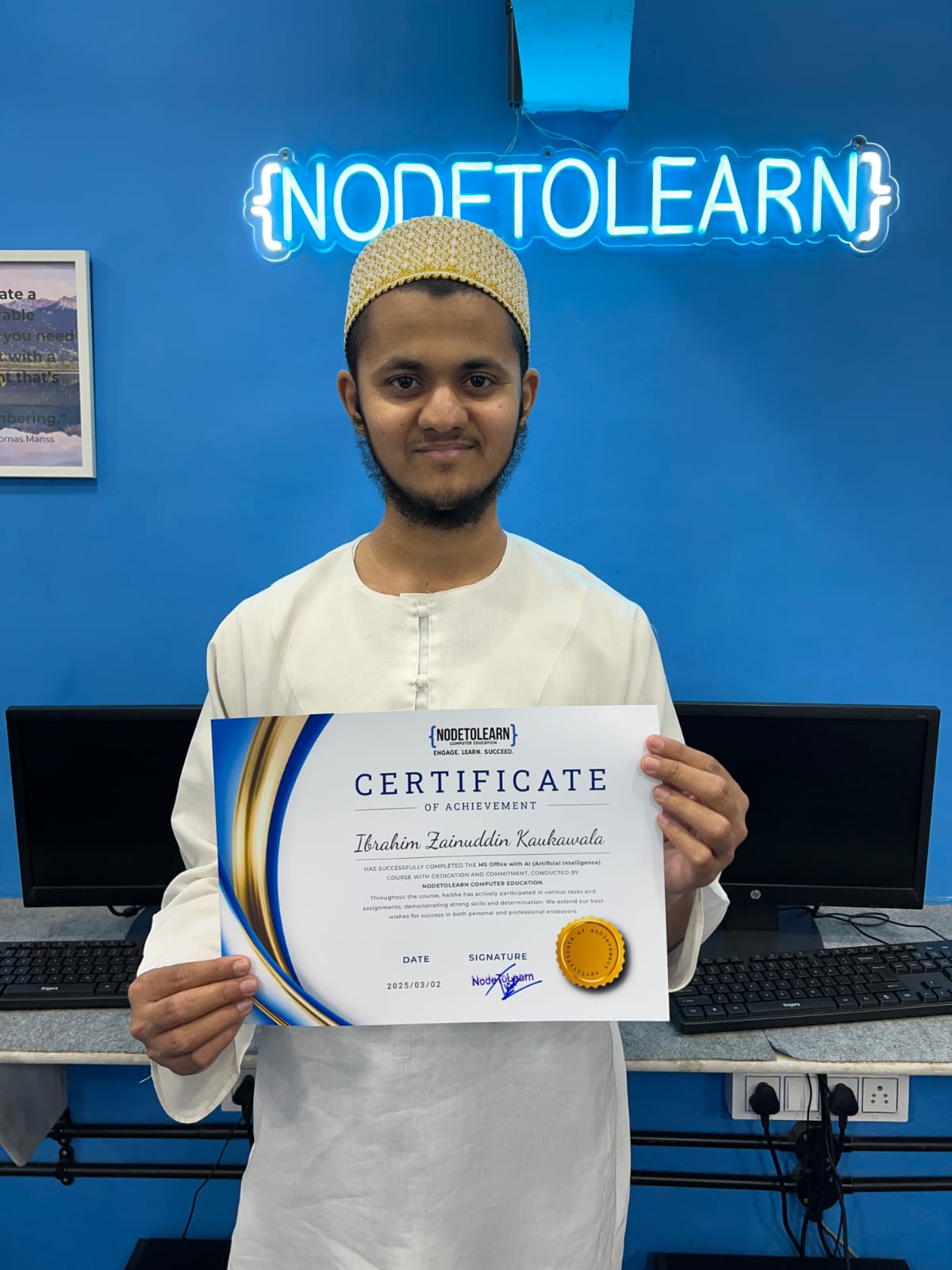
Ibrahim Kaukawala - Basic Computer (CCC)
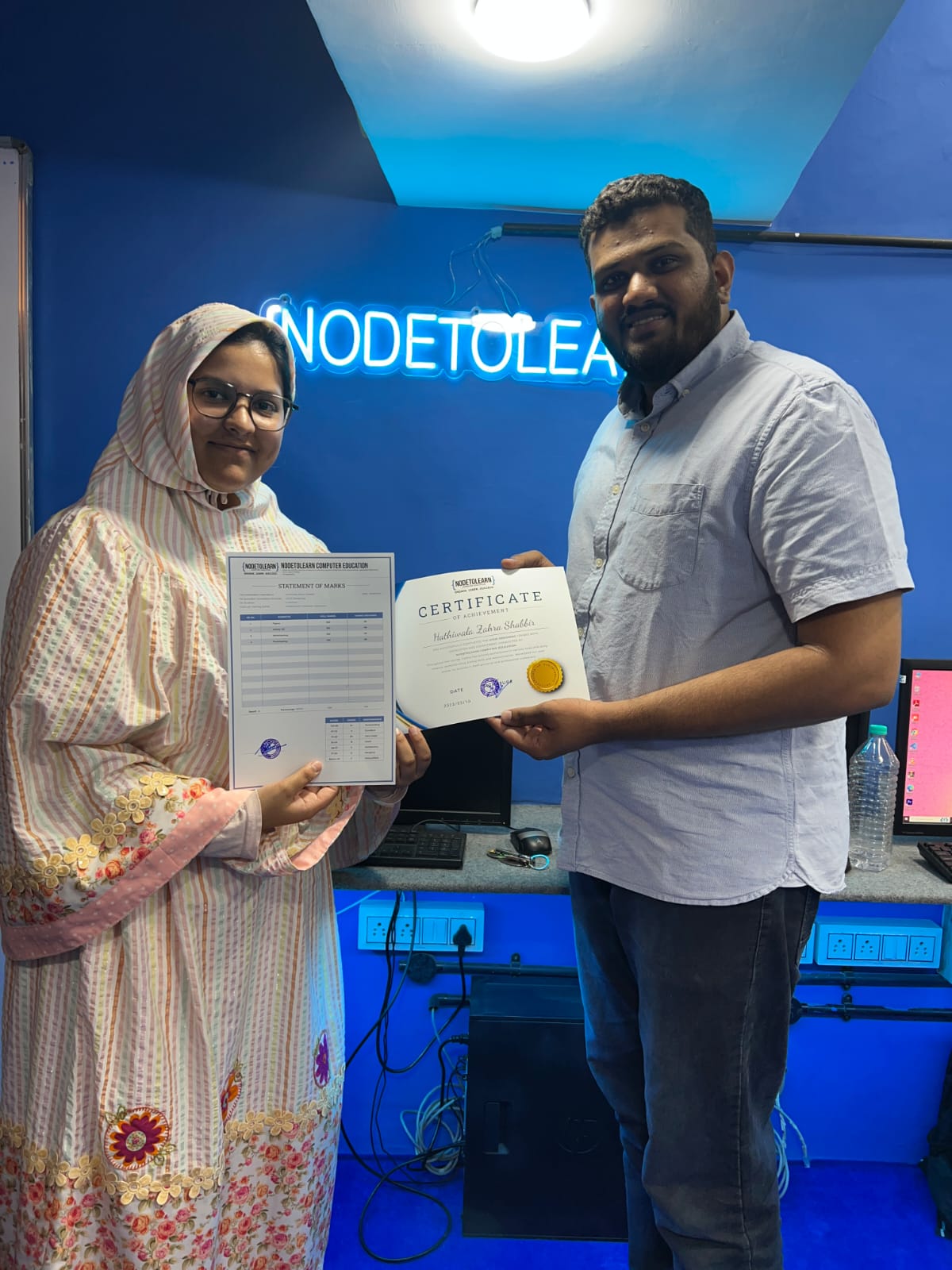
Zahra Hathiwala - UI/UX Designing
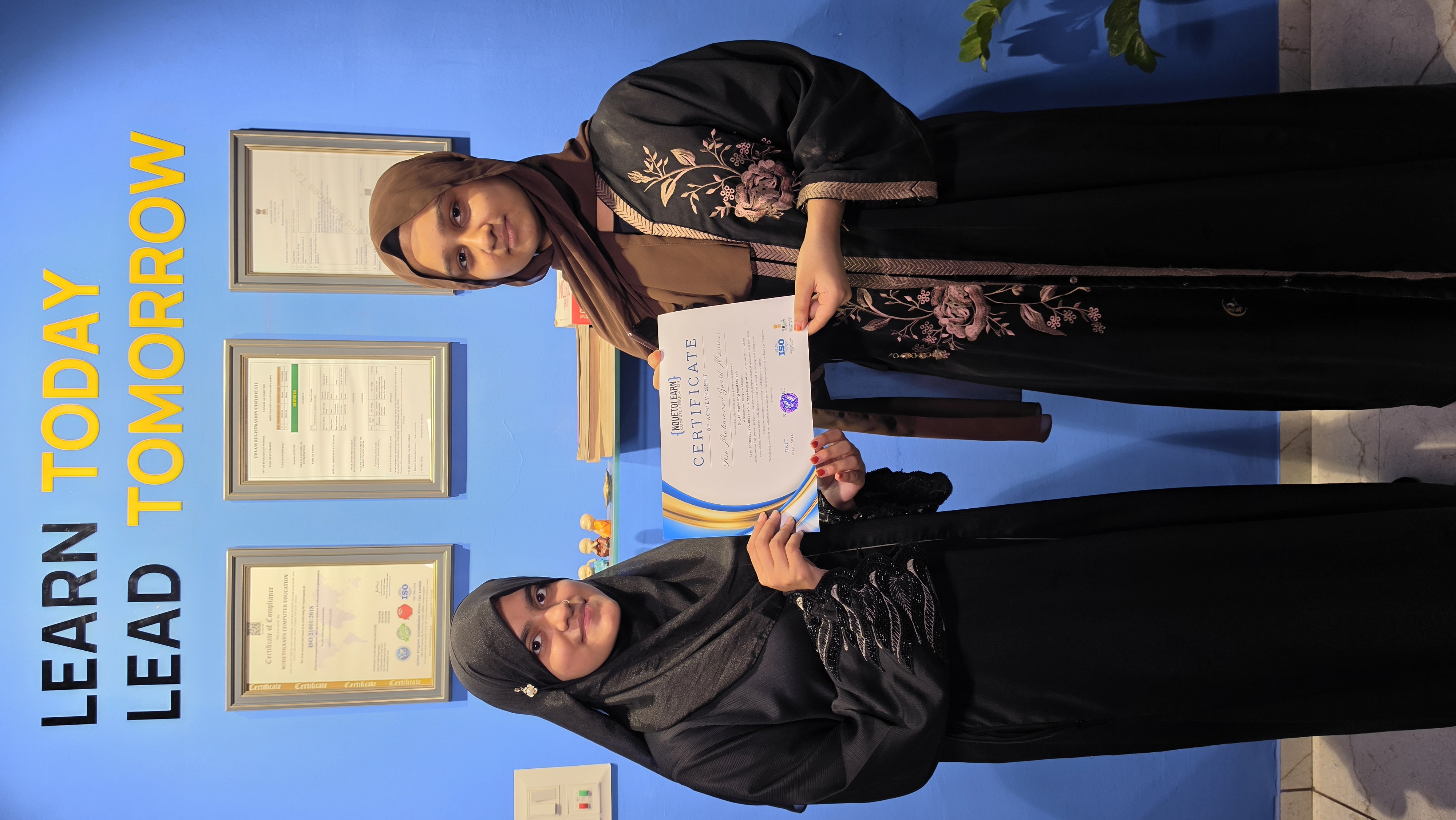
Aara Mansuri
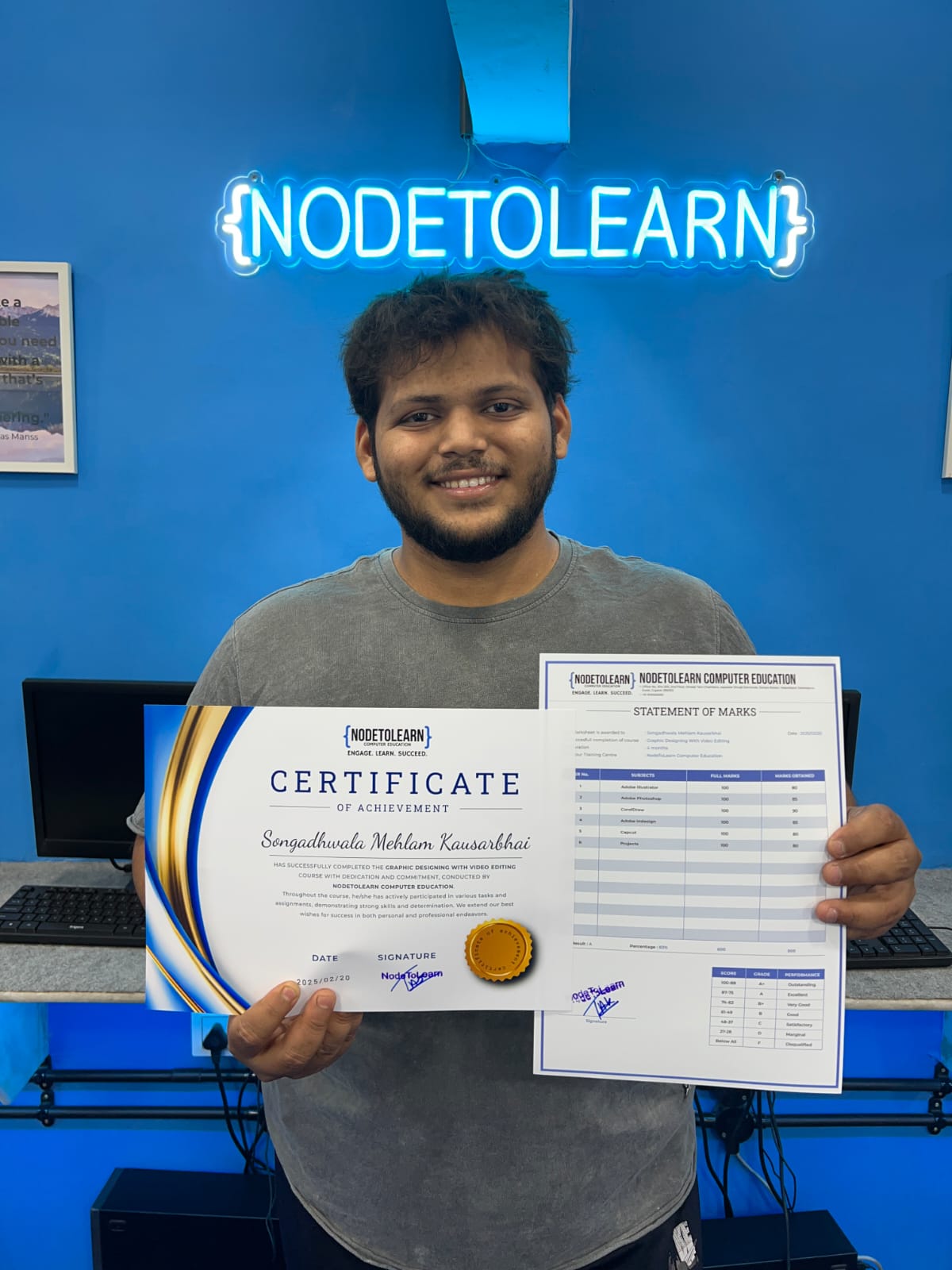
Mehlam Songadhwala - Graphic Designing
Pratham Pastagiya - Tally Prime With GST
Sahima Dhandhuwala - Graphic Designing
Tanzil Malik - Digital Marketing
Murtaza Bookwala - Graphic Designing
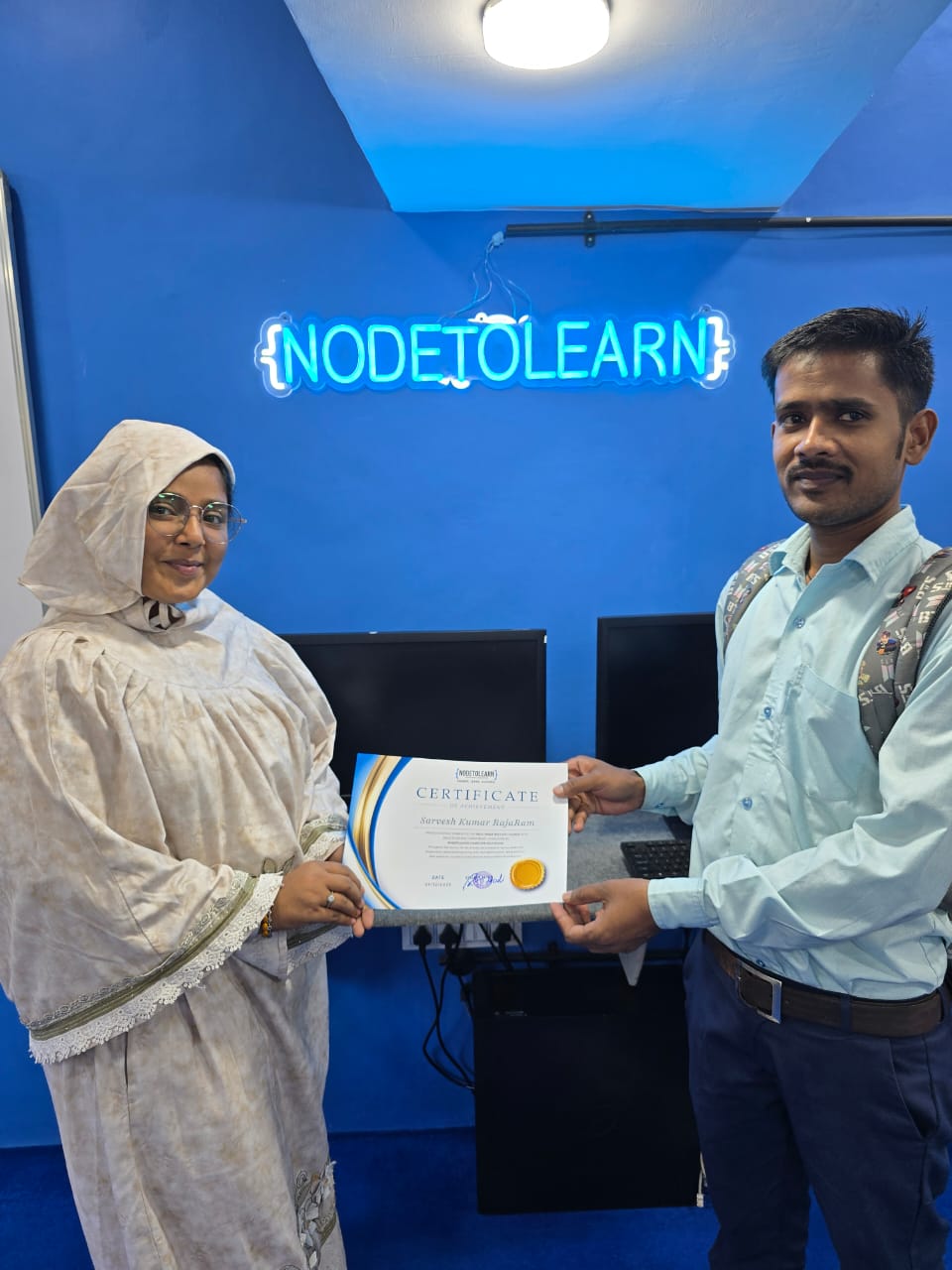
Sarvesh Kumar - Tally Prime With GST
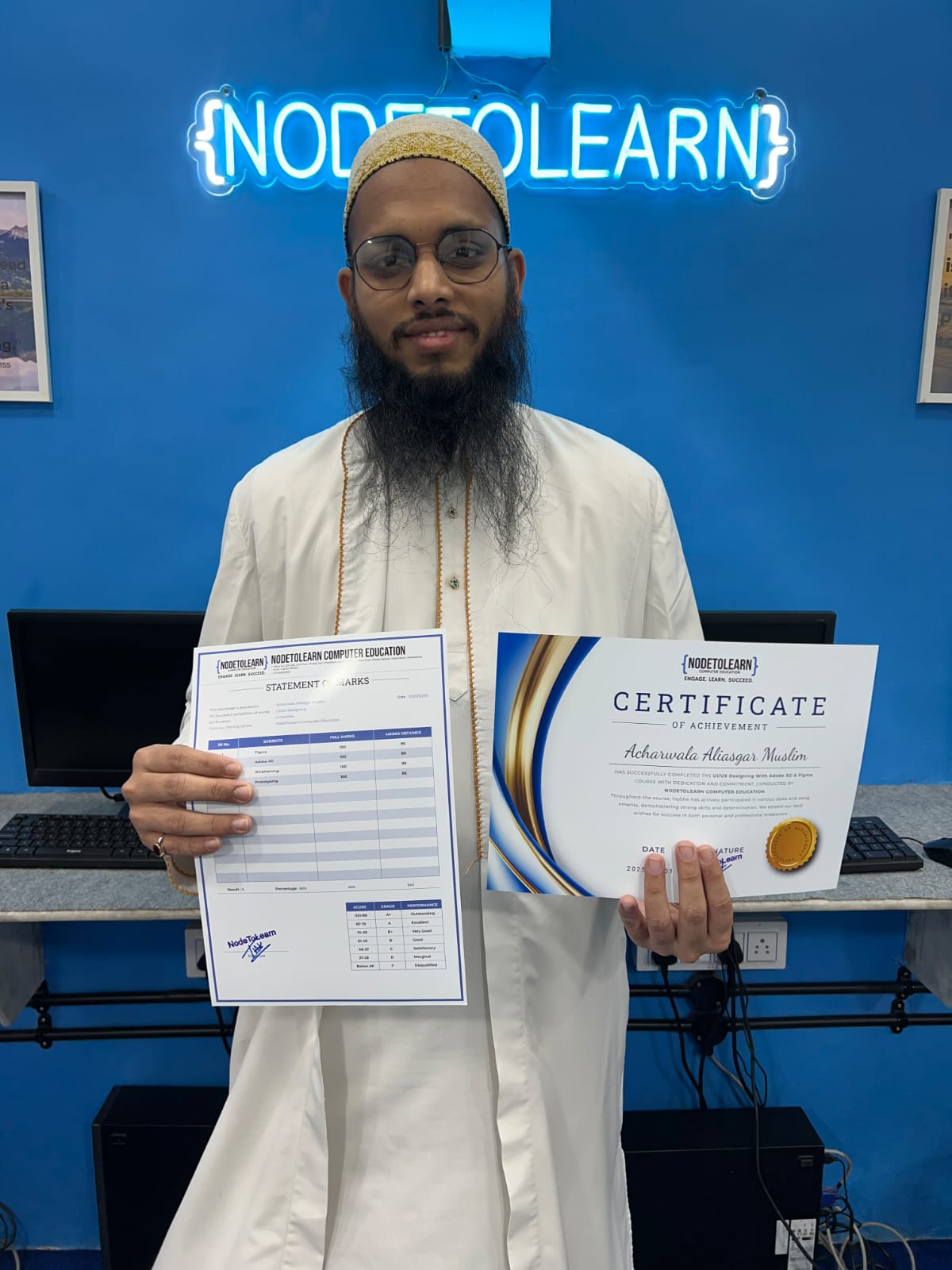
Aliasgar Acharwala - UI/UX Designing
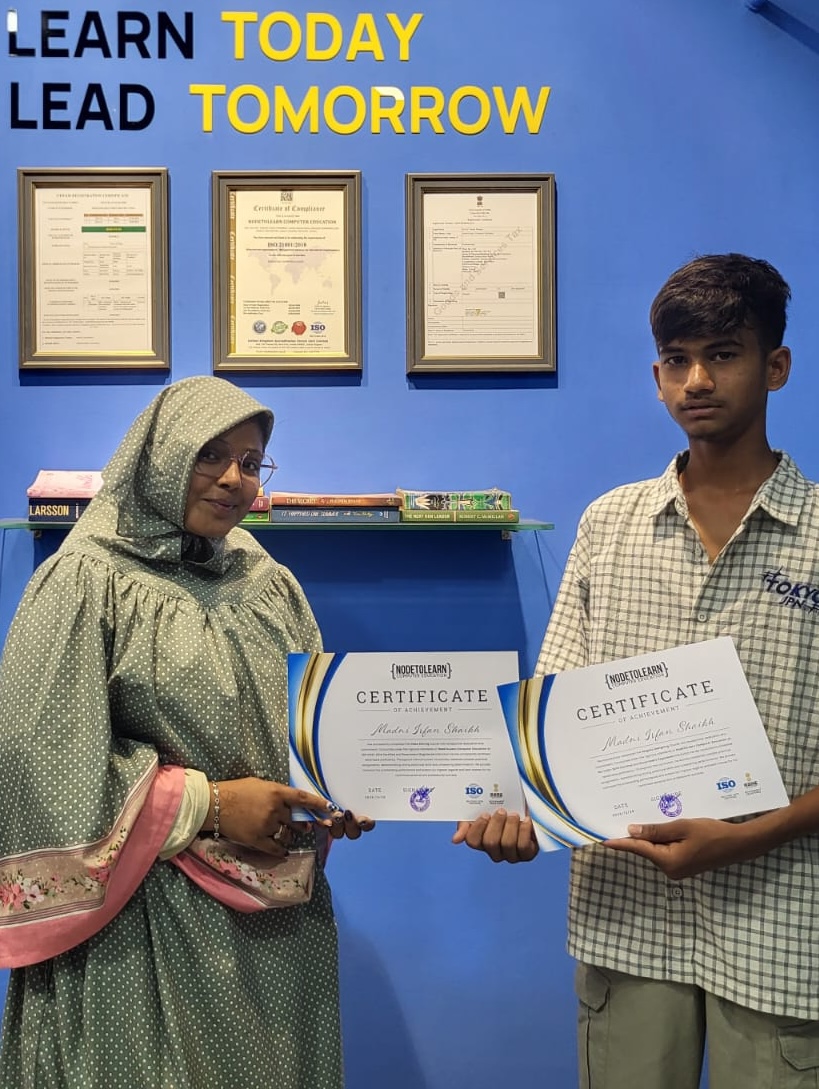
Madni Shaikh - Graphic Designing & Video Editing
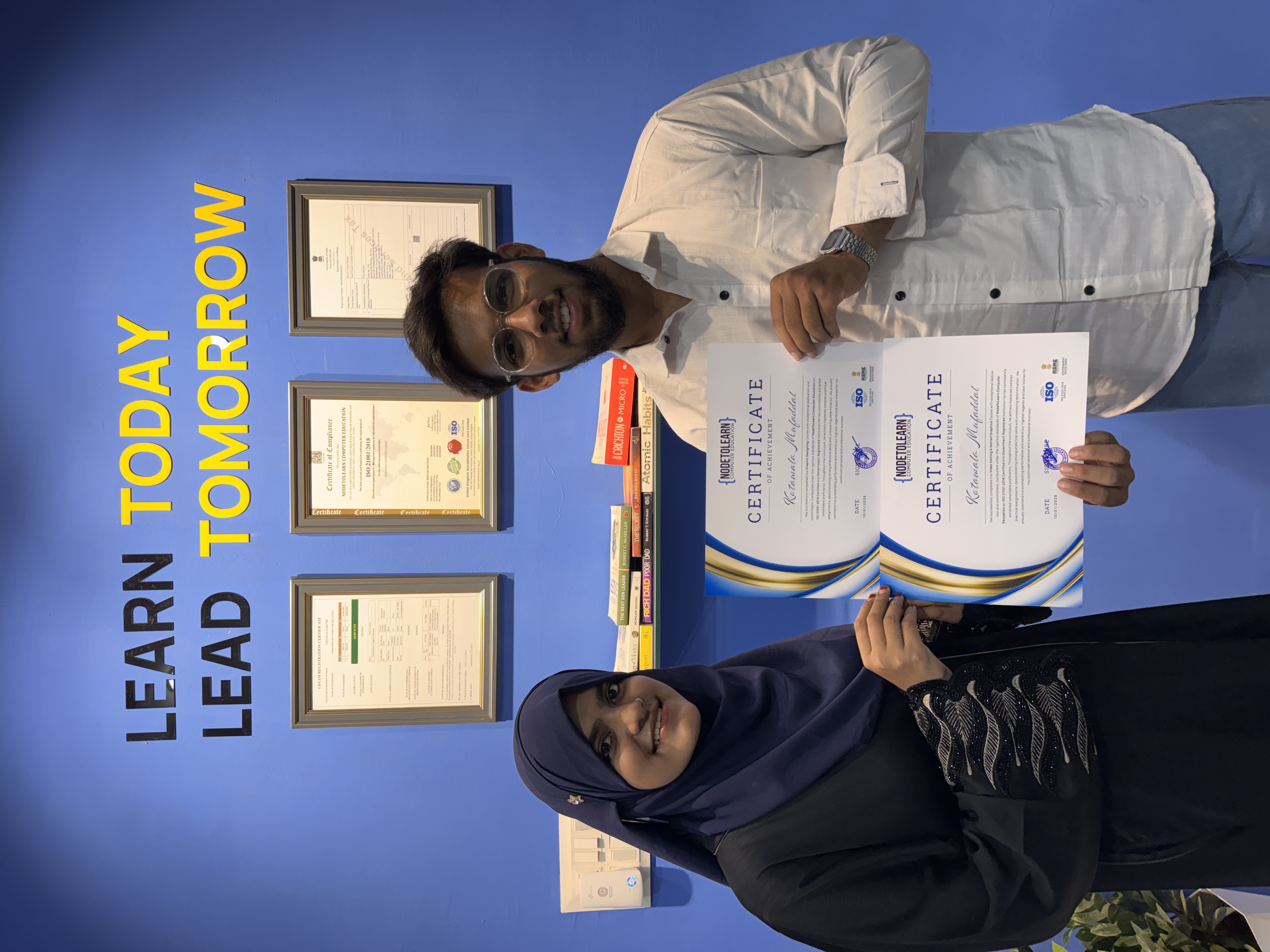
Mufaddal Kotawala - Video Editing & Graphic Designing
Mh Absar Shaikh - Basic Computer (CCC) & Tally Prime With GST
Hussain Jabrot - Advance Excel
Mufaddal Hakimji - Video Editing & Graphic Designing
Ibrahim Kaukawala - Basic Computer (CCC)
Zahra Hathiwala - UI/UX Designing
Aara Mansuri
Mehlam Songadhwala - Graphic Designing
Pratham Pastagiya - Tally Prime With GST
Sahima Dhandhuwala - Graphic Designing
Tanzil Malik - Digital Marketing
Murtaza Bookwala - Graphic Designing
Sarvesh Kumar - Tally Prime With GST
Aliasgar Acharwala - UI/UX Designing
Madni Shaikh - Graphic Designing & Video Editing
Mufaddal Kotawala - Video Editing & Graphic Designing
Mh Absar Shaikh - Basic Computer (CCC) & Tally Prime With GST
Hussain Jabrot - Advance Excel
Mufaddal Hakimji - Video Editing & Graphic Designing
Ibrahim Kaukawala - Basic Computer (CCC)
Zahra Hathiwala - UI/UX Designing
Aara Mansuri
Mehlam Songadhwala - Graphic Designing
Pratham Pastagiya - Tally Prime With GST
Sahima Dhandhuwala - Graphic Designing
Tanzil Malik - Digital Marketing
Murtaza Bookwala - Graphic Designing
Sarvesh Kumar - Tally Prime With GST
Aliasgar Acharwala - UI/UX Designing
Madni Shaikh - Graphic Designing & Video Editing
Mufaddal Kotawala - Video Editing & Graphic Designing
Real Students, Real Impact
Hear directly from our alumni about their learning journey and career transformation with NodeToLearn.
"A life-changing experience!"
"I had an excellent experience at Nodetolearn Computer Classes. The teaching quality is outstanding, with knowledgeable and supportive instructors who make even complex topics easy to understand. The learning environment is friendly and motivating, and the practical approach really helps in building strong skills. They focus on each student individually, ensuring no one is left behind. I highly recommend Nodetolearn to anyone looking to improve their computer knowledge"


Uvesh Shaikh
"Best Computer Class in Surat"

Zahraaa Lokhand
"Excellent efforts 👍. One of the best classes in not only begumpura but in whole surat …"

Ruquaiyah Kukshiwala
"After searching many places in Surat for the best computer classes for my child, I finally found Nodetolearn, and honestly, it has been the best decision. The environment is very student friendly, the teaching methods are practical, and the focus is on real understanding, not just theory. The instructors are professional, patient, and truly care about each student’s growth. My child actually looks forward to every class now! If you’re looking for genuine, high-quality computer education in Surat, I strongly recommend Nodetolearn. It’s more than just a class it’s the right start for your child’s future in tech. Nodetolearn is the best conputer classes in surat, best computer classes near me and best computer classes in begumpura. I'm very satisfied with nodetolearn. Highly recommend."

Abbas Hathi
"Highly practical class with straightforward lessons—perfect for quickly building real tech skills."

Mustafa Khanpurwala
"If you are looking for the best computer classes in Surat, I highly recommend . I joined their Video Editing course and the experience has been amazing from day one. The teaching style is practical, easy to understand, and perfect for beginners as well as students who want to become professional editors.
The trainers explain everything in detail, including Premiere Pro, After Effects, transitions, cinematic edits, reels editing, YouTube video editing, color grading, sound sync, and social media content creation. The best part is that they focus on real world projects instead of only theory.
Without a doubt, this is one of the best video editing classes in Surat for anyone who wants to build editing skills, grow on Instagram, YouTube, or start freelancing. The environment is friendly, modern, and very motivating. The staff is supportive and always ready to help students improve.
If you want to learn editing from scratch or level up your creative skills, NODETOLEARN is truly one of the best computer classes in Surat for video editing and digital skills. Highly recommended for students, content creators, freelancers, and anyone serious about learning professional video editing."
Frequently Asked Questions
Got questions? We've got answers. Explore everything you need to know about starting your tech career with NodeToLearn.
Still have questions?
Contact Our Team