

Master 3D Architectural Visualization Course in Surat
Master 2D structural drafting, high-fidelity 3D interior/exterior asset modeling, spatial lighting, and cinematic production animation with 100% practical 1-on-1 mentorship.
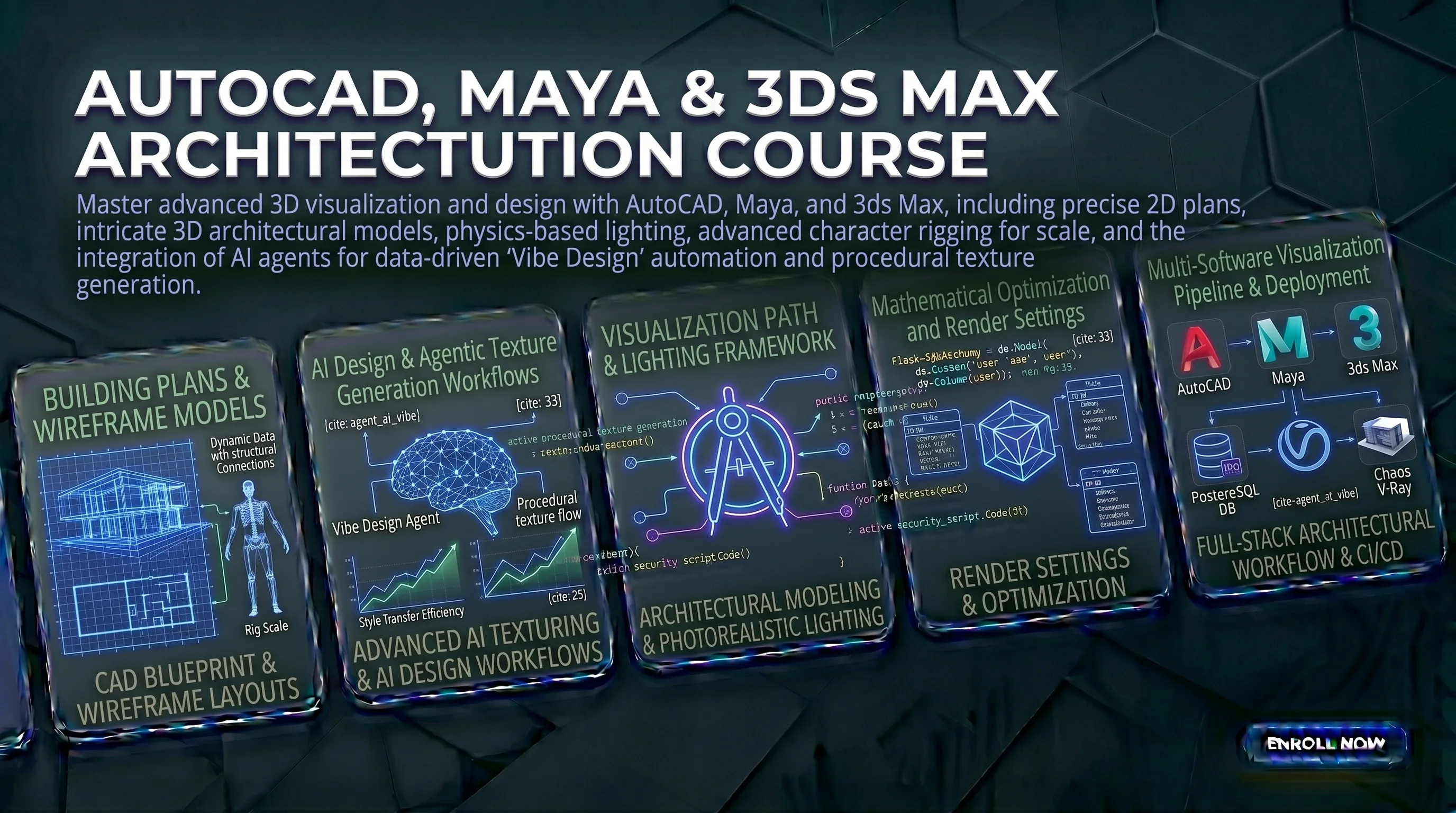
Course Overview
Curriculum Roadmap
Module 1: Module 1: 2D Floor Plans & Blueprints Using AutoCAD
- Setting up your drawing workspace: units (metric/imperial), sheet scales, and shortcut preferences
- Drawing tools in practice: lines, polylines, arcs, and using coordinate inputs to place elements with exact measurements
- Organizing drawings with layers: controlling line weights, hatch patterns, dimension lines, and text annotations for clean, readable blueprints
- Exporting and presenting your AutoCAD drawings in a simple online portfolio layout
Module 2: Module 2: 3D Interior Modeling, Furniture Design & Texturing in 3ds Max
- Navigating 3ds Max viewports and working with basic 3D objects, grids, and transform tools
- Spline modeling: drawing 2D shapes and converting them into 3D furniture and architectural elements using extrude, lathe, and bevel modifiers
- Polygon modeling: editing vertices, edges, and faces to build detailed objects like sofas, cabinets, and wall panels
- Applying V-Ray materials: setting up realistic glass, wood, metal, and fabric textures with proper lighting using a V-Ray sky and physical lights
Module 3: Module 3: 3D Animation, Character Rigging & Visual Effects in Autodesk Maya
- Organic modeling in Maya: building smooth, curved forms using polygon tools, symmetry, and sculpting brushes
- Skeleton and rigging basics: placing joints, setting up IK (Inverse Kinematics) handles so a character or object moves naturally
- Keyframe animation: using the graph editor to control timing, smooth out motion, and animate camera walkthroughs through architectural spaces
- Particle and dynamics effects: simulating cloth, falling objects, water flow, and other real-world physics for cinematic scenes
Module 4: Module 4: Rendering, Lighting & Final Output
- Setting up Arnold and V-Ray for final renders: controlling anti-aliasing, ambient occlusion, global illumination, and render quality settings
- Lighting a scene professionally: using HDR environments, area lights, sun-sky setups, and interior light rigs for realistic results
- Render passes and compositing: separating shadow, reflection, and light layers so you can adjust the final image without re-rendering
- Organizing and delivering final project files: folder structure, texture paths, and exporting video walkthroughs in client-ready formats
Module 5: Module 5: AI-Assisted Workflow & Portfolio Building
- Using AI texture generation tools to create seamless high-resolution surface materials (wood, concrete, fabric) quickly without manual painting
- AI denoising in Arnold and V-Ray: reducing render times significantly while keeping image quality clean
- Scene optimization before final render: managing polygon count, cleaning object history, and fixing texture file links
- Final project: building a complete architectural interior walkthrough animation and publishing your portfolio online, plus mock interview practice
Meet Your Mentors

Taiyeb Khumri
Founder and Lead Educator at NodeToLearn
Taiyeb Hariyanawala is the Founder and Lead Educator at NodeToLearn, a premier computer education institute based in Nanpura, Surat. With a deep specialization in digital marketing, video editing, and full-stack software development, Taiyeb integrates cutting-edge AI-driven workflows and agentic automation into professional technical training. Committed to academic excellence, he has implemented ISO 21001:2018 certification standards to provide industry-leading curricula in Python, Flutter, and web technologies. His mission is to bridge the gap between complex IT concepts and practical application for the next generation of digital creators and developers.
View LinkedIn ProfileWho is this for?
This course is a strong fit for civil engineering and architecture students who want to add 3D visualization skills to their drafting knowledge. Interior and furniture designers who need to show clients realistic previews of a space before it is built will also benefit directly. Students from multimedia or animation backgrounds looking to specialize in architectural or product rendering will find the Maya and rendering modules especially useful. You do not need any prior experience with these tools — just a genuine interest in design and a willingness to practice.
Career Opportunities
Prerequisites
Basic computer operating literacy and familiarity with mouse-based navigation shortcuts. No prior background in architectural engineering, complex mathematics, or illustration degrees required.
Tools Covered
Certification
ISO 21001:2018 Certified Professional 3D Visualization & Animation Specialist Certificate
Earn a certificate that actually holds weight in the industry.
Our institutional evaluation is strictly project-backed to maintain absolute industry authority and prevent unverified credential inflation. To qualify for your credential, you must successfully submit a final technical design repository featuring a precision-drafted 2D structural layout in AutoCAD, a photorealistic 3D interior or furniture model set in 3ds Max with active V-Ray lighting parameters, a fully rigged character animation track mapped in Autodesk Maya, a live responsive web companion portfolio landing layout, and a securely linked external MySQL asset log. Upon successful panel review, you will be issued an official ISO 21001:2018 Certified Professional 3D Visualization & Animation Specialist validation, containing a unique global tracking identification number that engineering houses, interior design agencies, and international media studios can instantly verify online.

Our Training & Placement Methodology Trusted Process
We maintain full transparency in our curriculum delivery and placement assistance. Our certification is backed by rigorous live-project evaluations and our placement claims are verified by our extensive network of hiring partners across Surat.
Real-World Curriculum
Our syllabus is continuously updated based on direct feedback from industry HRs and Senior Tech Leads to ensure market relevance.
Placement Process
100% placement assistance isn't just a promise; it includes mandatory resume building, mock technical interviews, and direct employer referrals.
Expert Led Sessions
Classes are solely conducted by working professionals with a minimum of 5+ years of active industry experience in their respective domains.
ISO 21001:2018 Certified
Our educational management system is officially certified, guaranteeing international standards in training quality and student assessment.
Transparent Certification Process
Frequently Asked Questions
We also offer this course in:
Course Features
-
Duration4 Months
-
LevelAdvanced
-
CertificationISO 21001:2018 Certified Professional 3D Visualization & Animation Specialist Certificate
-
PaymentEMI Option Available
-
Career100% Placement Assistance
NodeToLearn Certified Students
Join hundreds of students who have successfully completed their training and earned their industry-recognized certificates.
Hussain Jabrot - Advance Excel
Pratham Pastagiya - Tally Prime With GST
Aara Mansuri
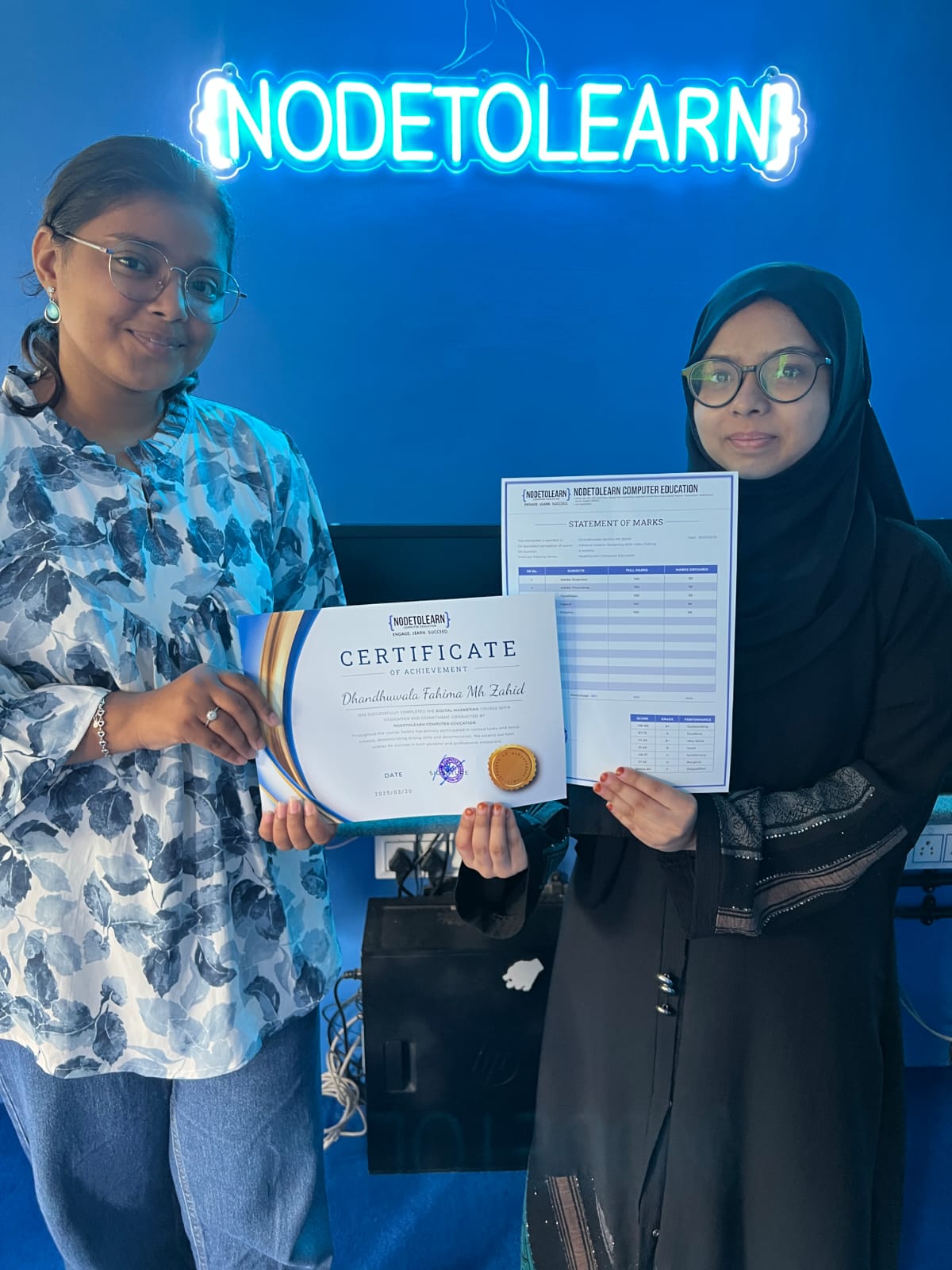
Fahima Dhandhuwala - Digital Marketing
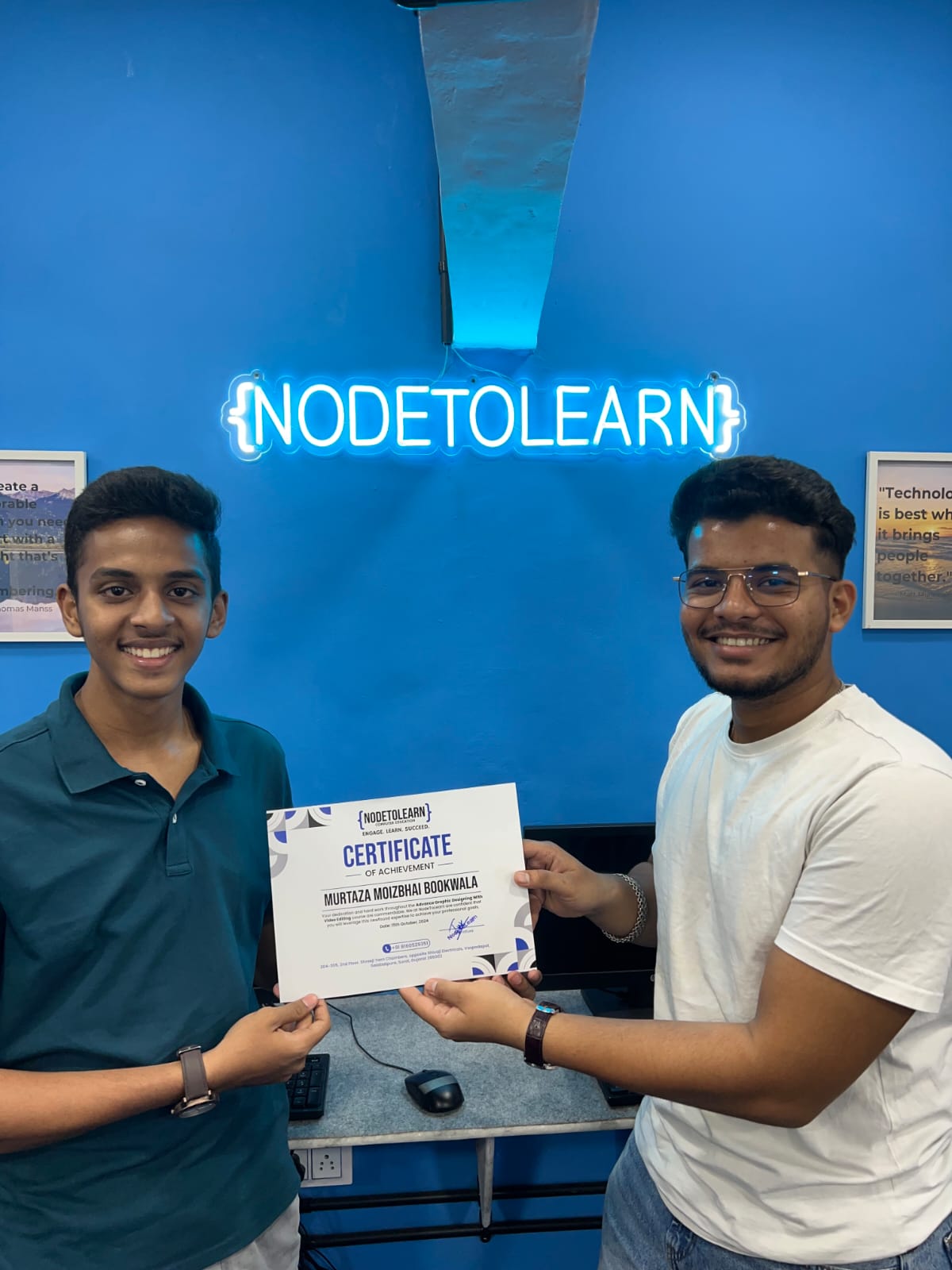
Murtaza Bookwala - Graphic Designing

Aliasgar Acharwala - UI/UX Designing
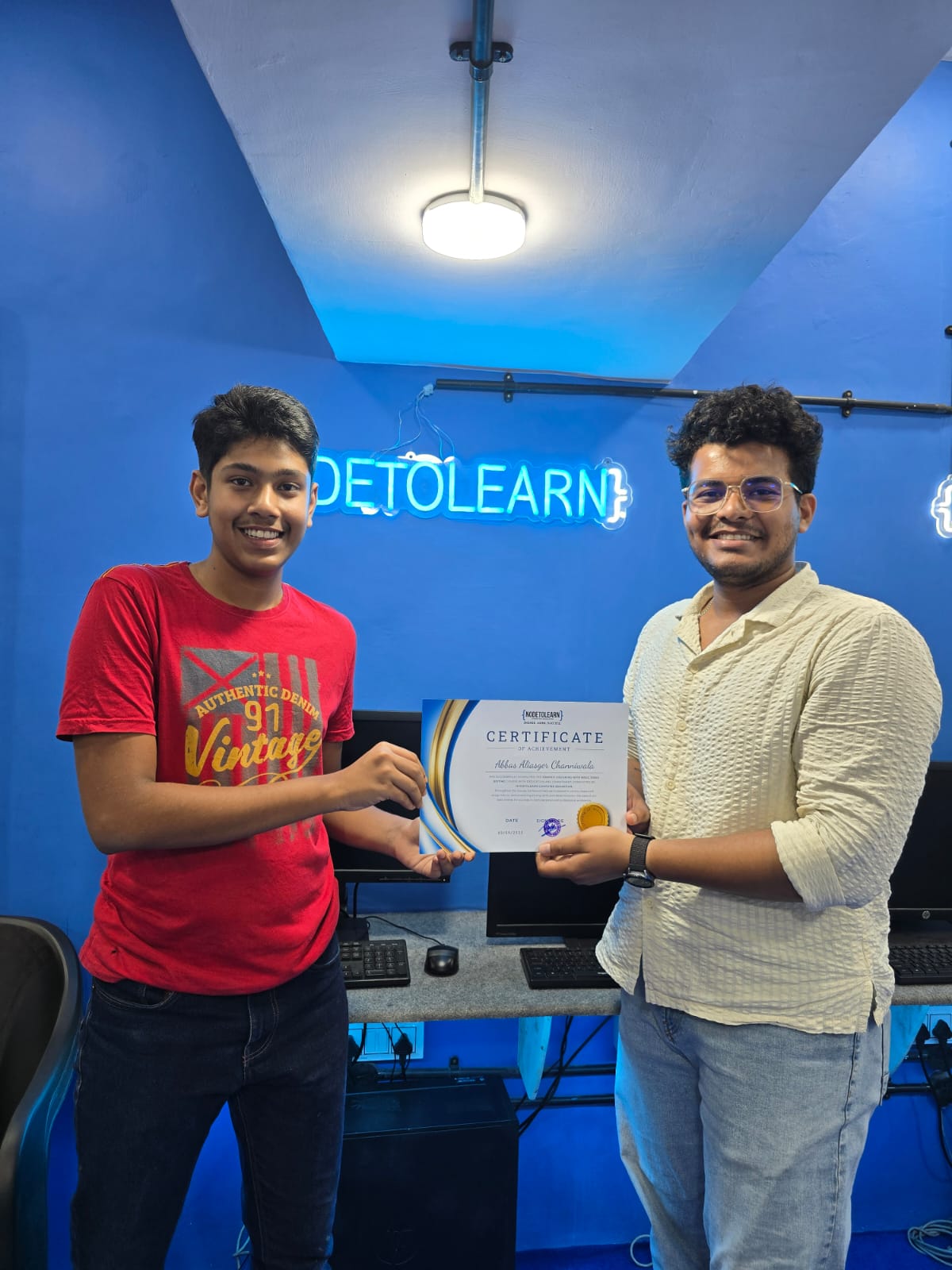
Abbas Channiwala - Graphic Designing
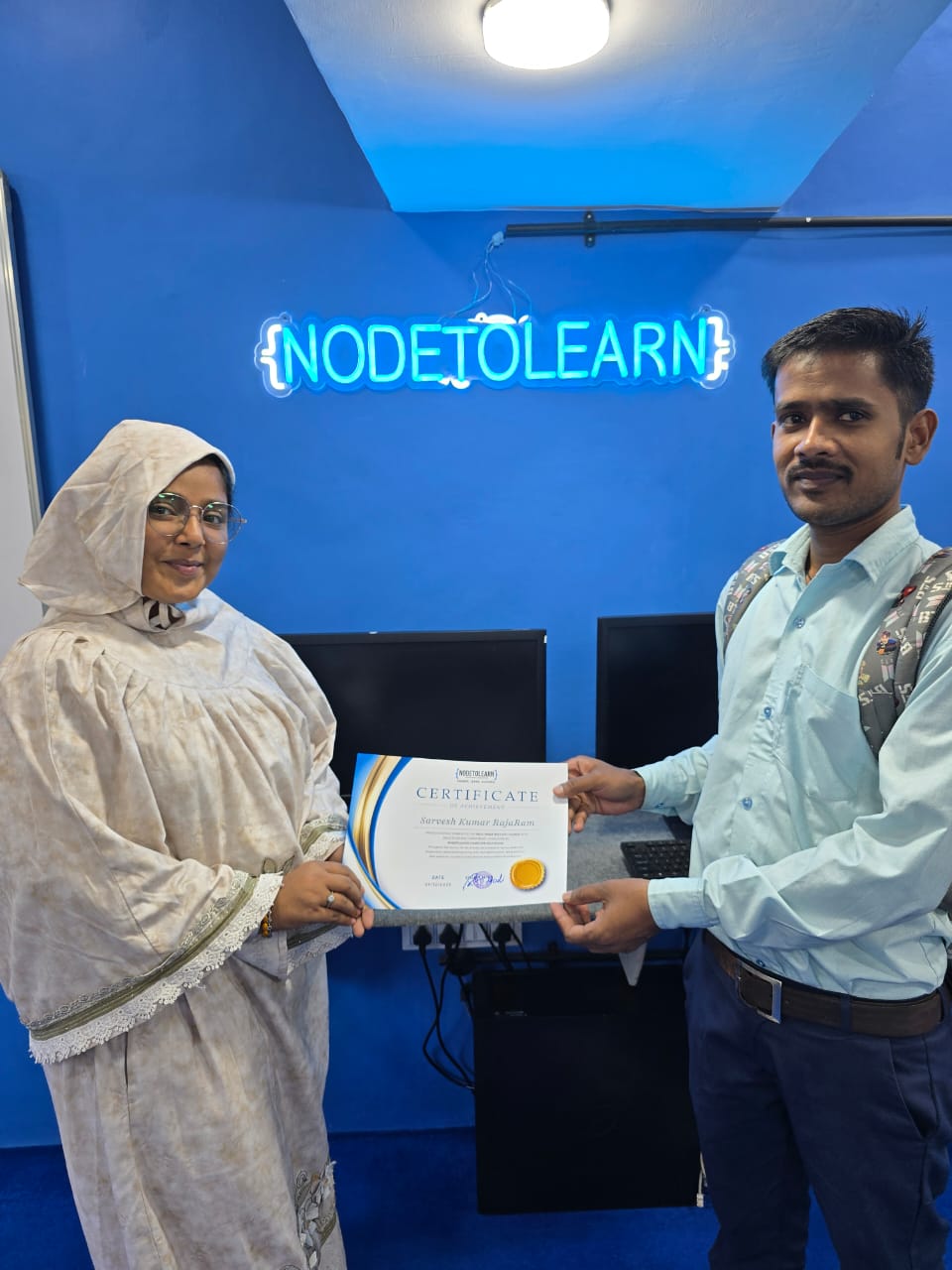
Sarvesh Kumar - Tally Prime With GST
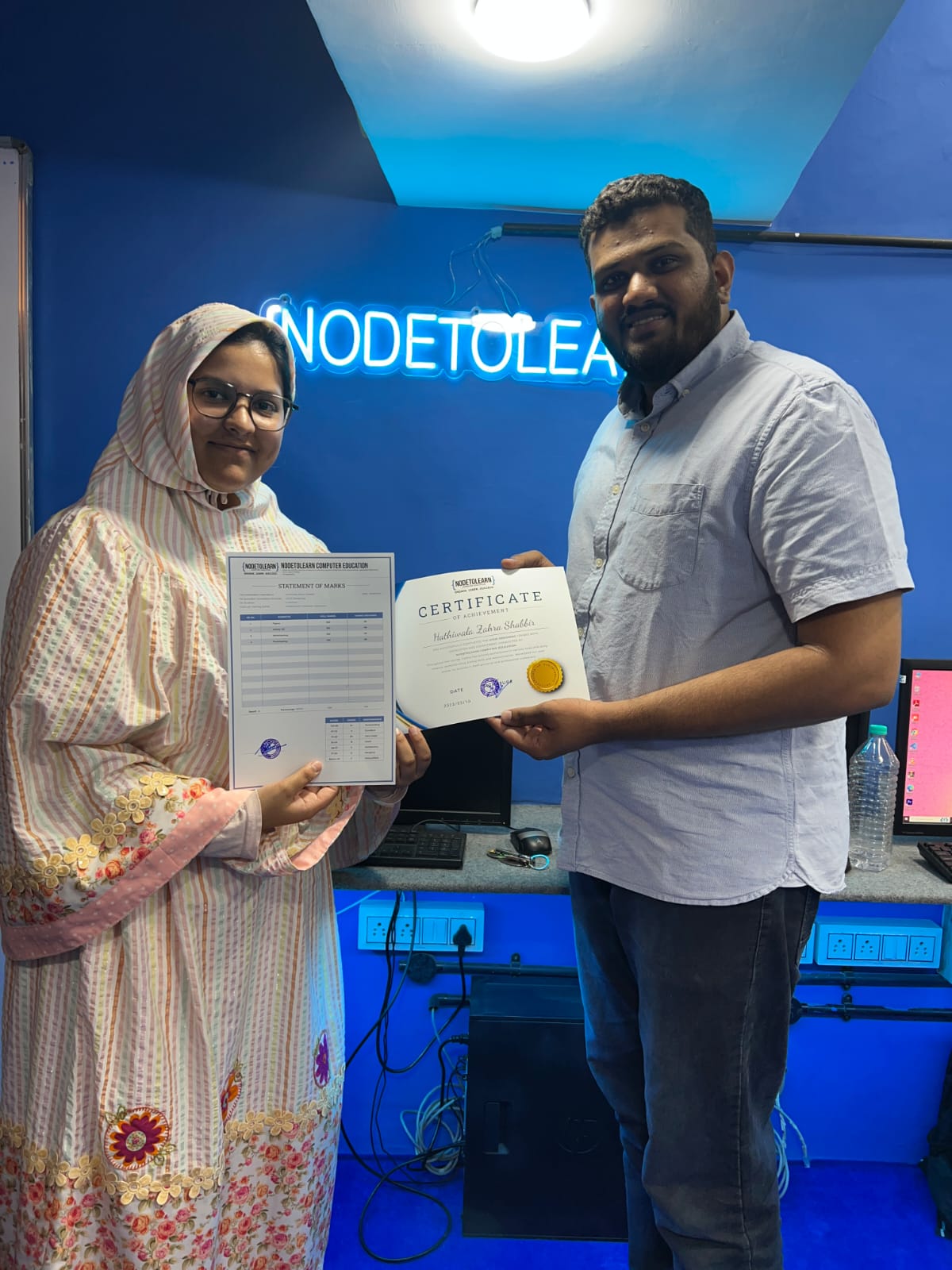
Zahra Hathiwala - UI/UX Designing
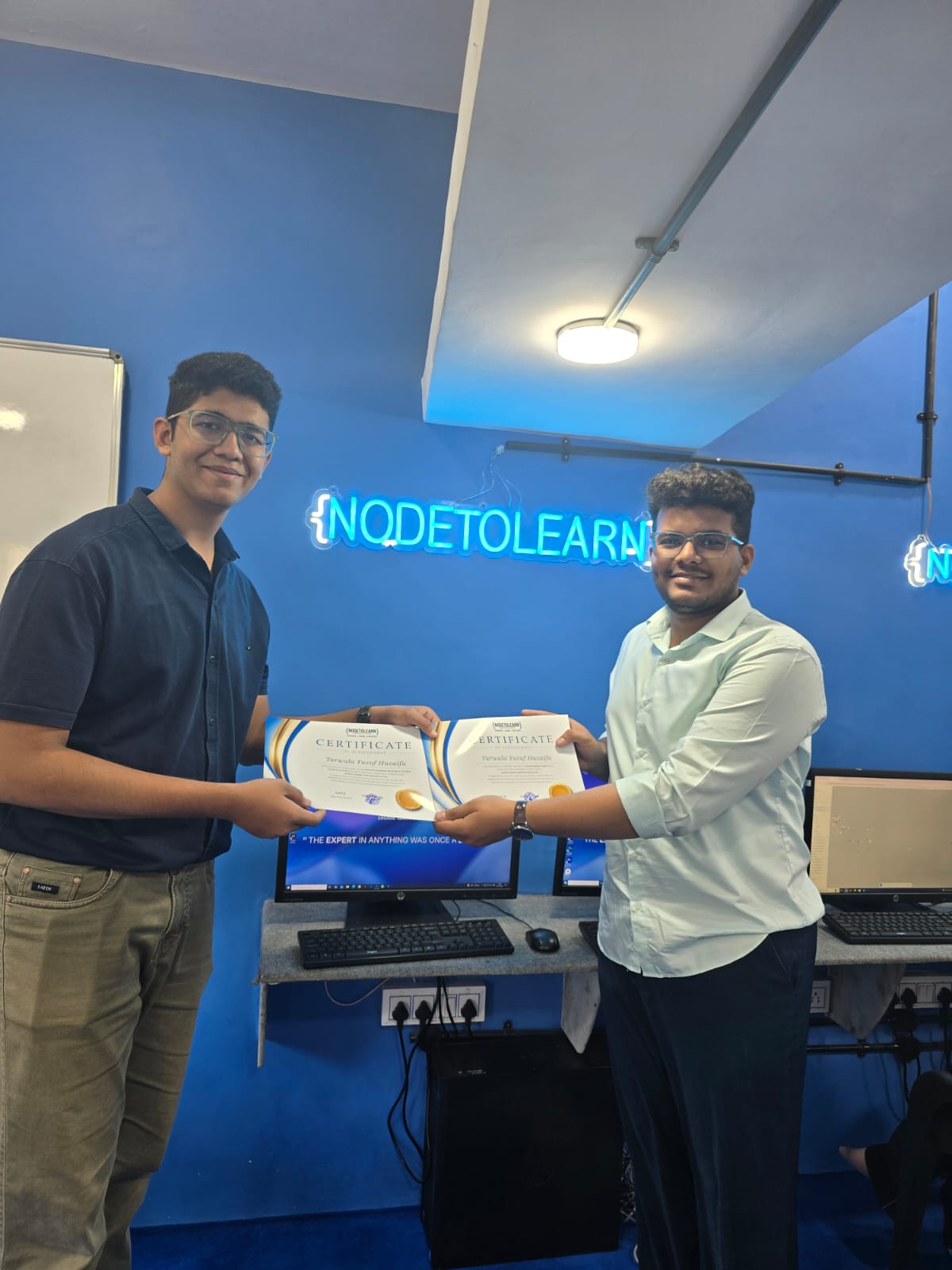
Yusuf Tarwala - C, C++ & Python
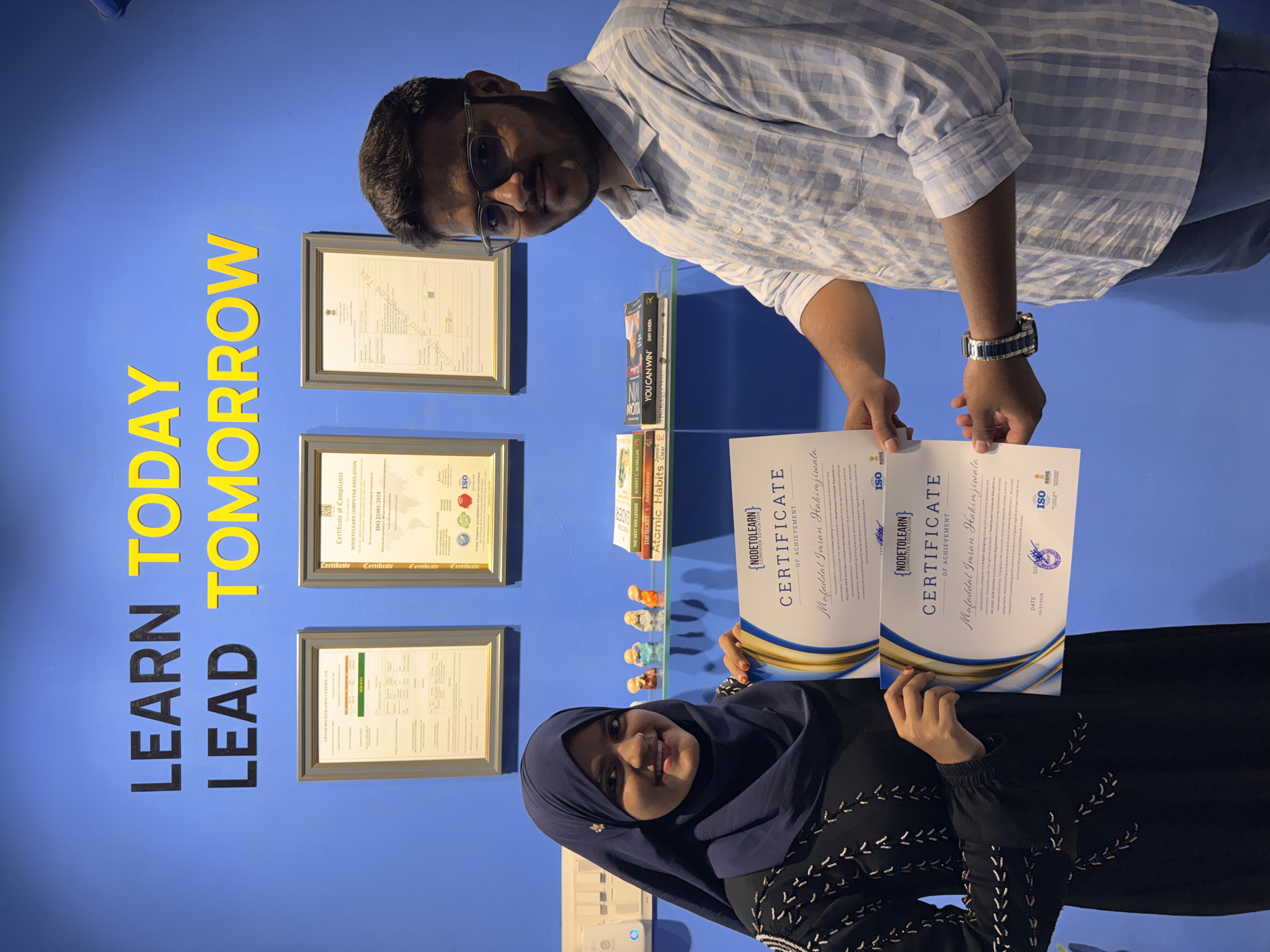
Mufaddal Hakimji - Video Editing & Graphic Designing
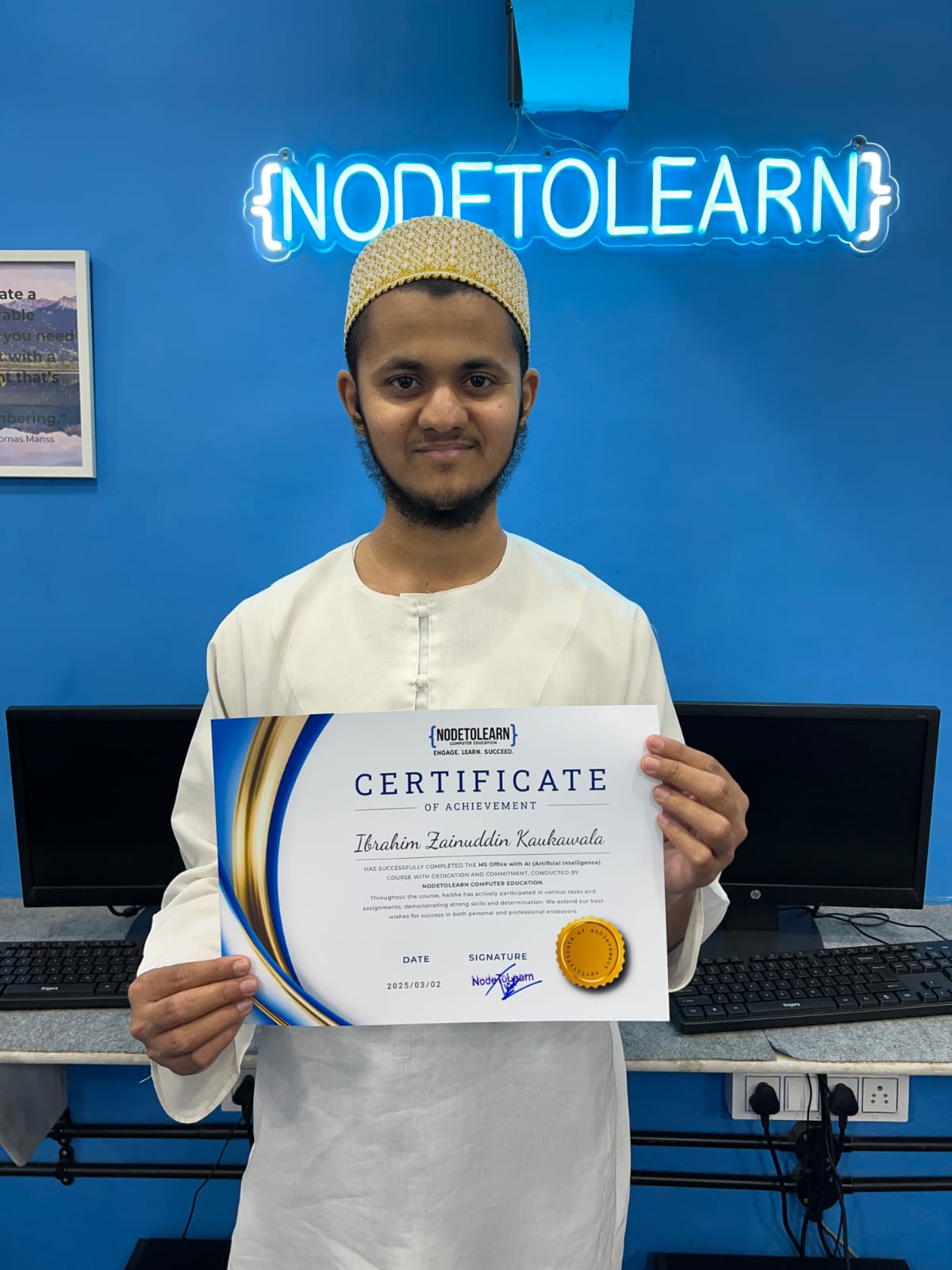
Ibrahim Kaukawala - Basic Computer (CCC)
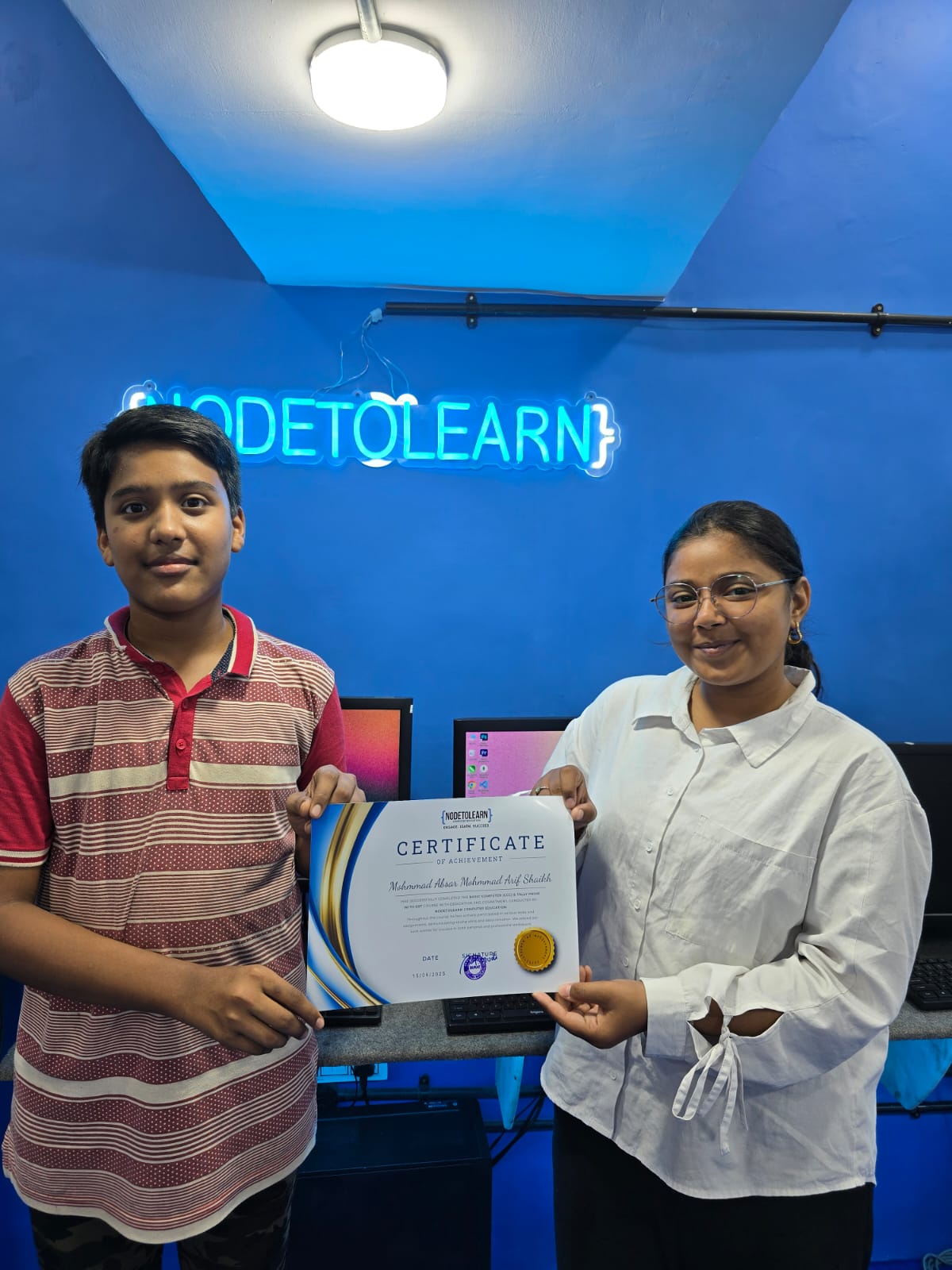
Mh Absar Shaikh - Basic Computer (CCC) & Tally Prime With GST
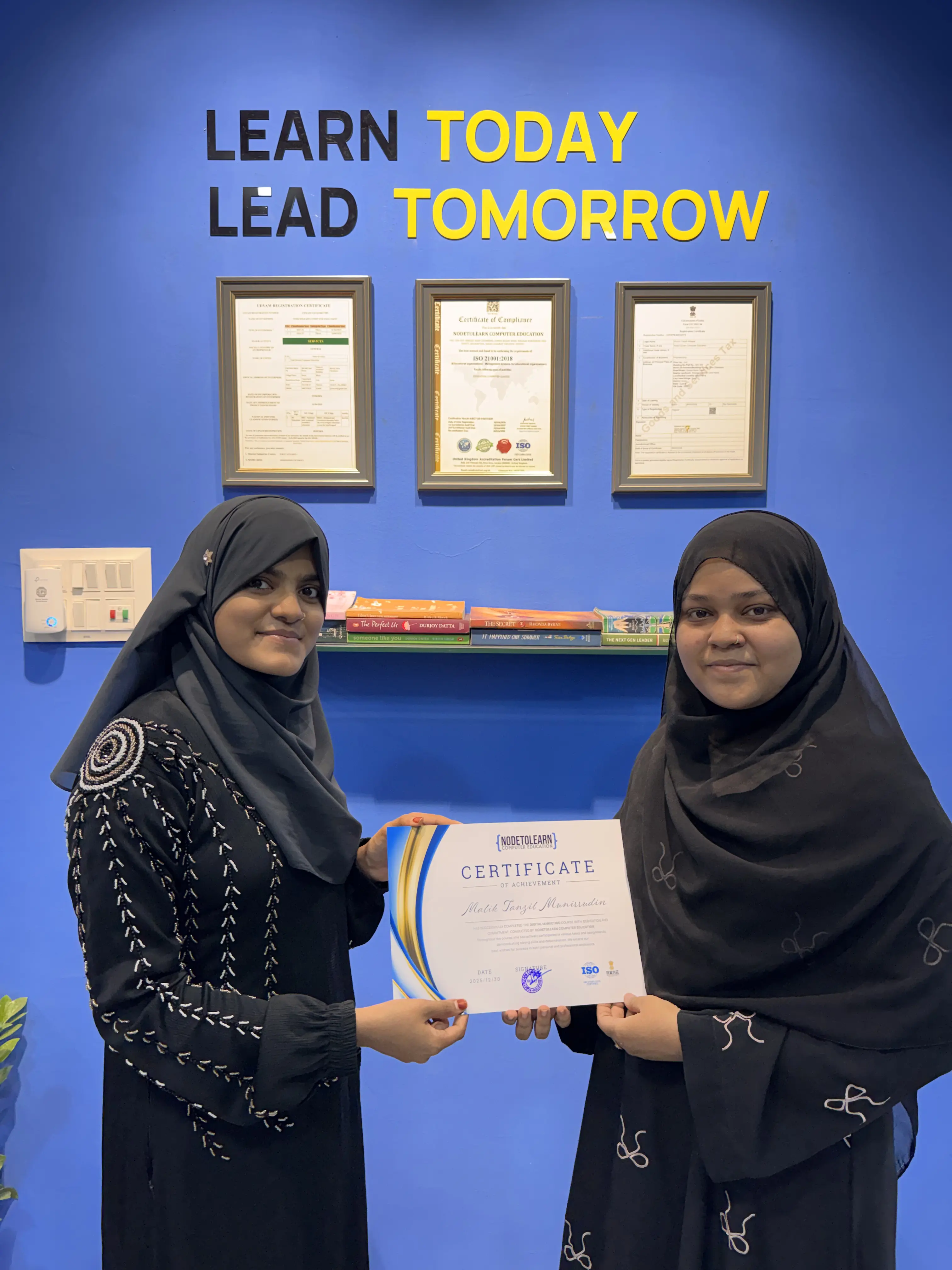
Tanzil Malik - Digital Marketing
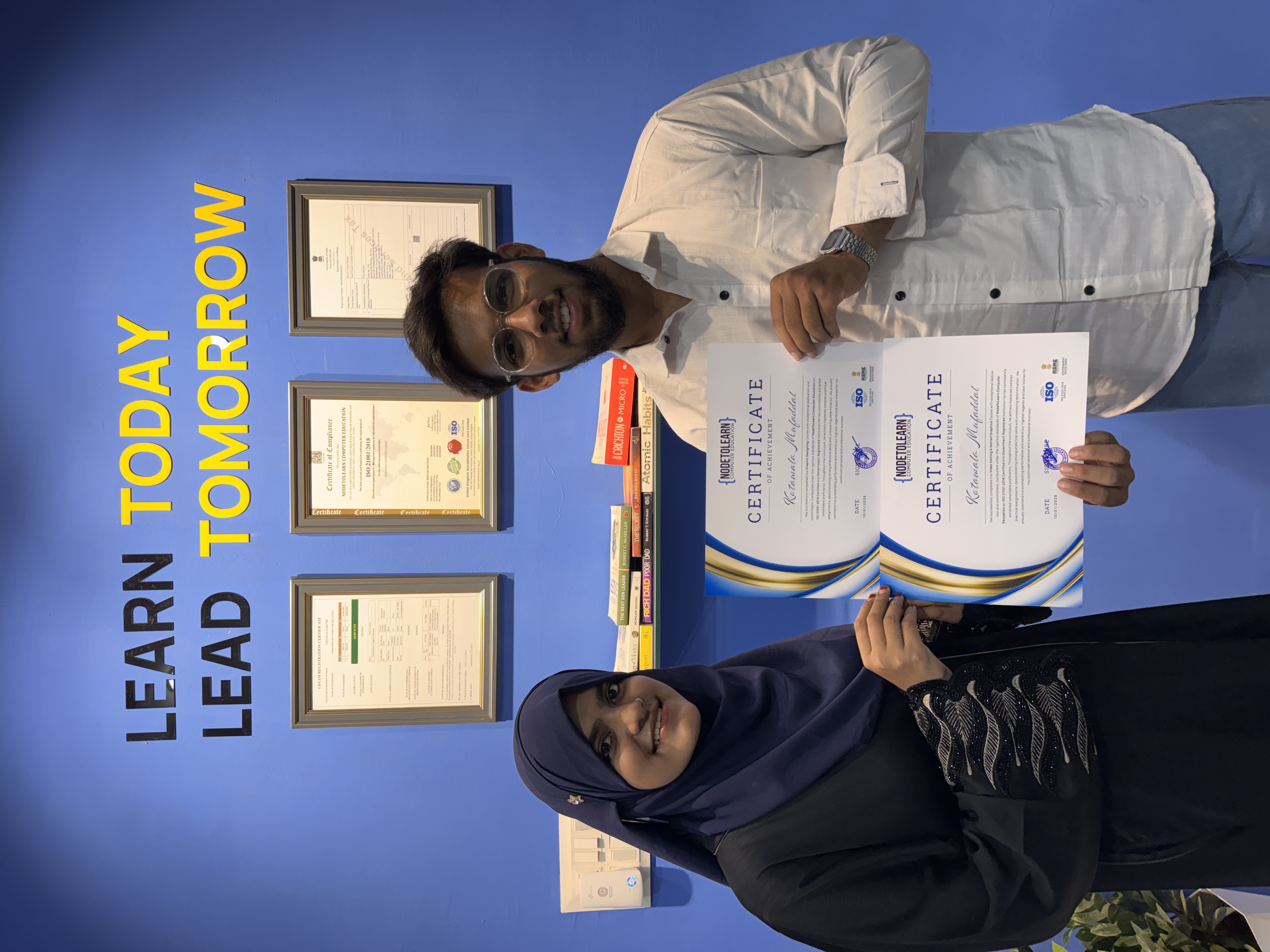
Mufaddal Kotawala - Video Editing & Graphic Designing
Hussain Jabrot - Advance Excel
Pratham Pastagiya - Tally Prime With GST
Aara Mansuri
Fahima Dhandhuwala - Digital Marketing
Murtaza Bookwala - Graphic Designing
Aliasgar Acharwala - UI/UX Designing
Abbas Channiwala - Graphic Designing
Sarvesh Kumar - Tally Prime With GST
Zahra Hathiwala - UI/UX Designing
Yusuf Tarwala - C, C++ & Python
Mufaddal Hakimji - Video Editing & Graphic Designing
Ibrahim Kaukawala - Basic Computer (CCC)
Mh Absar Shaikh - Basic Computer (CCC) & Tally Prime With GST
Tanzil Malik - Digital Marketing
Mufaddal Kotawala - Video Editing & Graphic Designing
Hussain Jabrot - Advance Excel
Pratham Pastagiya - Tally Prime With GST
Aara Mansuri
Fahima Dhandhuwala - Digital Marketing
Murtaza Bookwala - Graphic Designing
Aliasgar Acharwala - UI/UX Designing
Abbas Channiwala - Graphic Designing
Sarvesh Kumar - Tally Prime With GST
Zahra Hathiwala - UI/UX Designing
Yusuf Tarwala - C, C++ & Python
Mufaddal Hakimji - Video Editing & Graphic Designing
Ibrahim Kaukawala - Basic Computer (CCC)
Mh Absar Shaikh - Basic Computer (CCC) & Tally Prime With GST
Tanzil Malik - Digital Marketing
Mufaddal Kotawala - Video Editing & Graphic Designing
Real Students, Real Impact
Hear directly from our alumni about their learning journey and career transformation with NodeToLearn.
"A life-changing experience!"
"I joined NodeToLearn for the AutoCAD course, and honestly, it turned out to be a very good decision. Coming from a non-technical background, I was initially unsure about which institute to choose in Surat, but this class exceeded my expectations. The teaching style is practical and easy to understand. Concepts are explained step by step, and the trainers are patient and supportive, especially for beginners. Doubts are cleared properly, and the focus is on building real skills rather than just completing the syllabus. The overall environment is friendly, chill, and motivating, which makes learning stress-free. You don’t feel pressured or ignored, and that makes a big difference when you’re learning something technical like AutoCAD. If someone is looking for reliable training, I would definitely recommend NodeToLearn as one of the best computer classes in Surat, and a strong option for anyone searching for best computer classes for AutoCAD with quality teaching and a supportive environment."


Rashid Ali
"This is the best computer classes for school computer studies here they provide notes and also they take one on one batches, abhi tak ka Mera experience bohot accha hai aur app zaruri yaha ek baar visit Krna"

Murtaza Bookwala
"I have been doing graphic designing since 1 month and tbh here environment is very friendly and teaching methods are so good that anyone can learn any technology here"

Batul Ghiya
"My experience at NodeToLearn Computer Education has been excellent. The graphic design and video editing course is very practical and industry-oriented. The institute provides hands-on training in Adobe Illustrator, Photoshop, CorelDRAW, Lightroom, and professional video editing software like Premiere Pro, After Effects, DaVinci Resolve, and Final Cut Pro.
The trainers explain every concept clearly and focus on real-world projects, which helps build strong creative and technical skills. This is one of the best computer institutes for graphic design and video editing training, especially for students looking for professional graphic design courses and advanced video editing classes.
If you are searching for the best graphic design and video editing institute near me, NodeToLearn Computer Education is a great choice. Highly recommended for anyone who wants quality computer education in graphic design and video editing."

Ruqaiya Parmar
"Very good environment nd good experience to learn with Taiyyeb bhai."

Fatema Hathiwala
"I had a really great experience learning with NodetoLearn. The 1-on-1 teaching style makes everything much easier to understand because the sessions are fully focused on your learning pace and doubts. The concepts are explained clearly with proper attention and patience.
The best part is the personal guidance and practical approach, which helped me feel more confident while learning computers. Highly recommended for anyone looking for quality individual coaching and supportive teaching."
Frequently Asked Questions
Got questions? We've got answers. Explore everything you need to know about starting your tech career with NodeToLearn.
Still have questions?
Contact Our Team