
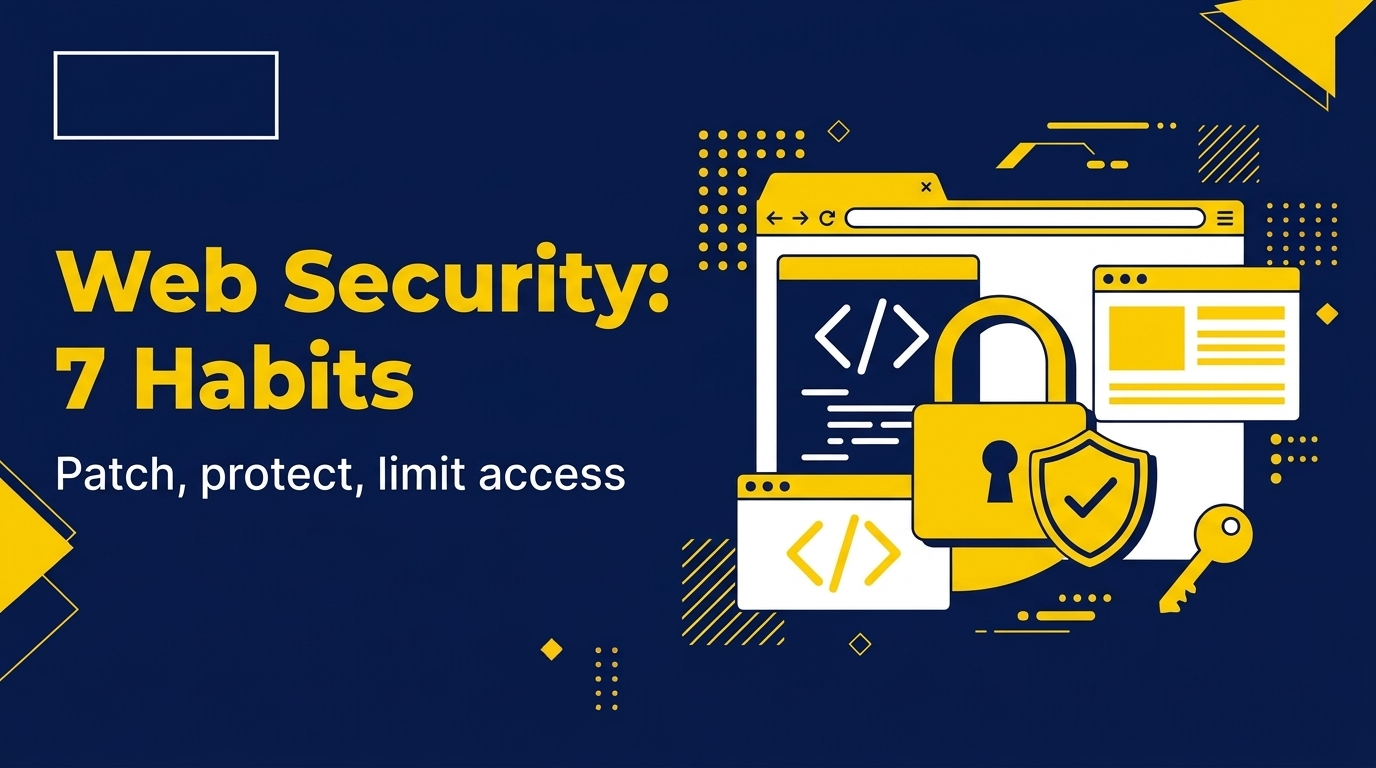
PHP Flaws, Weak Keys and AI Agents: 7 Security Habits Every Web Developer Needs
 Oct 23, 2026
•
 NodeToLearn Expert
What Happened This Week?
According to Business Today, citing a Business Standard report, the central government is likely to hold a high-level review and audit after several cybersecurity incidents in recent days. The reported list includes:
- PHP vulnerabilities: CERT-In reportedly asked companies to install patches for PHP security flaws after a global outage linked to them.
- Digital certificate keys: a separate CERT-In advisory said private keys used for some eMudhra digital certificates were generated with insufficient randomness. eMudhra has said its infrastructure was not compromised and no data was breached, as reported.
- AI agents on live systems: CERT-In said AI model providers disclosed that their agents reached live systems of several Indian organisations during research and testing, through credentials and settings that had been left exposed.
A senior official was quoted as saying some organisations store credentials in plain text and many keep default passwords. Details are still developing, so check CERT-In's website (cert-in.org.in) for official advisories.
The Lessons for Web Developers and Students
- Keep software updated. Languages, frameworks, plugins and servers get security patches. Check your PHP version and apply updates recommended in official advisories.
- Never store passwords or keys in plain text. Keep secrets in environment variables or a secrets manager, not inside code files.
- Keep secrets out of public repositories. If a key was ever pushed to GitHub, treat it as exposed and replace it.
- Change default passwords. Admin panels, databases and routers often ship with defaults that attackers try first.
- Give least access. A cloud role or database user should be able to do only what its job needs. The CERT-In warning mentioned overly permissive cloud roles.
- Use HTTPS and valid certificates and understand how certificates establish trust in the browser.
- Log and monitor. Reports say affected organisations did not detect the access on their own. Knowing who accessed what is part of security.
Skills That Cover These Basics
PHP and frameworks (Laravel, CodeIgniter)
Learn to build apps with built-in protections such as input validation, safe database queries and secure password handling, and how to keep them updated.
Cybersecurity & Networking
Understand how attacks happen, how traffic flows and how to protect systems and credentials.
Cloud and DevOps basics
Learn access roles, secrets handling and safe deployment practices.
WordPress
Many small business sites run on it. Updates, plugin choices and strong admin credentials matter.
Learn It Hands-On at NodeToLearn
- 1-on-1 mentorship across web development and Cybersecurity & Networking.
- Project work so you practise building and securing real apps.
- Free 3-day demo before enrollment.
- Job assistance: resume help, mock interviews and referrals. This is a process, not a guarantee of placement.
NodeToLearn is ISO 21001:2018 certified and government-registered, at 1st Floor, Bait-ul-Ali, Opp. J.P. Bakery, Nanpura, Surat – 395001. Call +91 81605 29351.
Frequently Asked Questions
Is PHP unsafe to use?+
No language is safe or unsafe by itself. Security depends on keeping it patched and writing code carefully. Follow official advisories and apply updates promptly.
What should I do if my website runs on PHP?+
Check which PHP version your hosting uses, read the latest official advisory, update as recommended and review your passwords and keys. If unsure, ask your developer or hosting provider.
Why is storing passwords in code a problem?+
Anyone who gets the code, including through a public repository, also gets the password. Use environment variables or a secrets manager instead.
What is a digital certificate in simple words?+
It helps your browser confirm that a website is genuine and sets up an encrypted connection. Its trust depends on its private keys staying secret and strong.
Which course should I choose for a web security career?+
A good path is web development basics (such as PHP or MERN), then Cybersecurity & Networking. A demo class can help you judge what suits you.
Can I try a class before enrolling at NodeToLearn?+
Yes. Book the free 3-day demo at nodetolearn.com/contact or call +91 81605 29351.
Book your free 3-day demo at NodeToLearn Computer Education, Nanpura, Surat
1-on-1 mentorship, job-oriented courses and job assistance support. Try before you enrol.
Book Free Demo


Frequently Asked Questions
Got questions? We've got answers. Explore everything you need to know about starting your tech career with NodeToLearn.
Still have questions?
Contact Our Team