
Google Workspace: The Silent Skill Gap in Remote and Startup Job Applications
 Aug 28, 2026
•
Aug 28, 2026
•
 NodeToLearn Expert
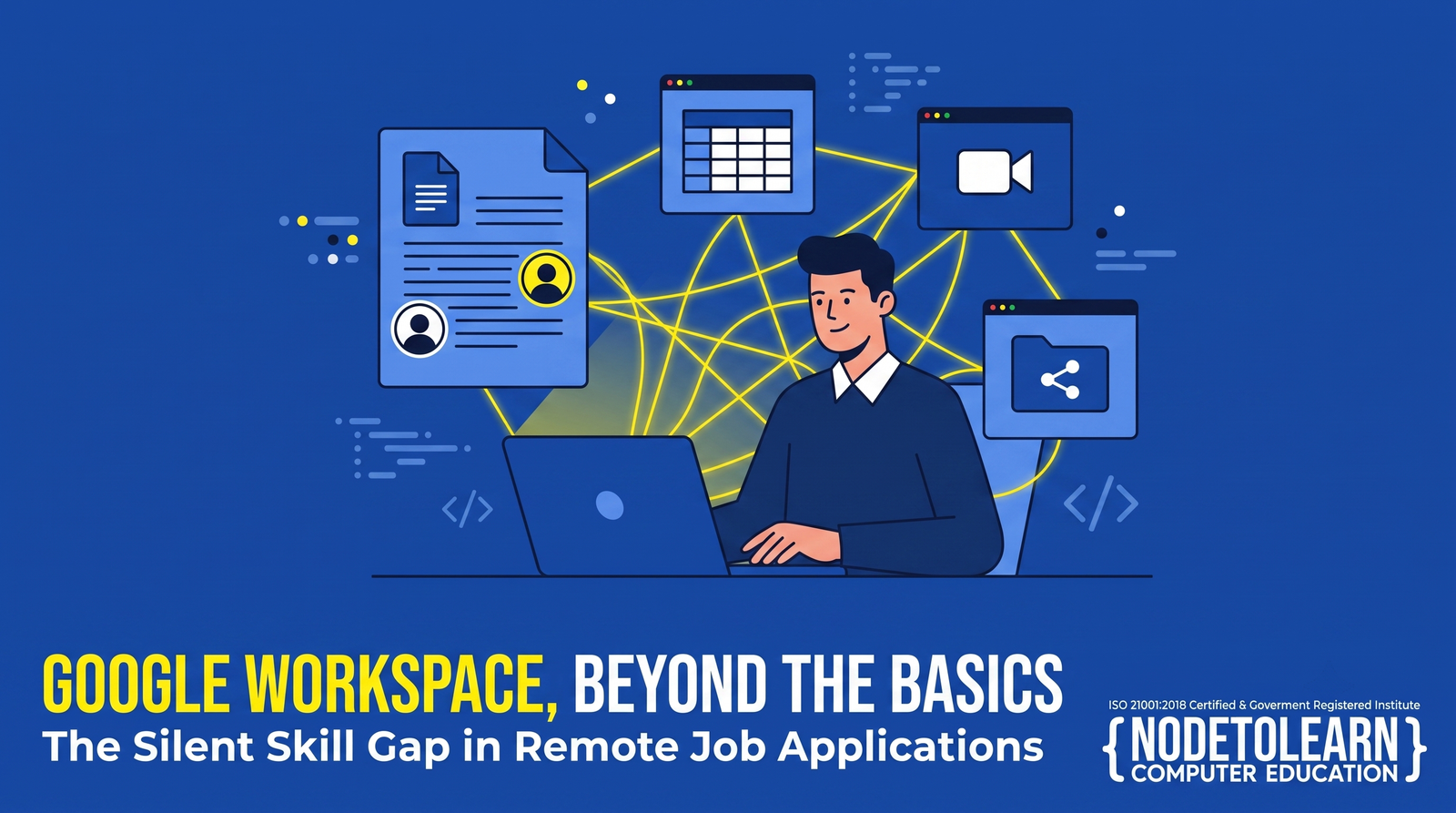
Quick Answer: Google Workspace (Docs, Sheets, Slides, Gmail, Drive, Meet) has become the default collaboration toolkit for a huge share of startups, remote teams, and small businesses — often replacing desktop-only Microsoft Office workflows entirely. Knowing how to actually use it beyond the basics is now a genuine workplace skill gap. NodeToLearn's Google Workspace course in Nanpura, Surat teaches this properly through 1-on-1, hands-on training.
Why Google Workspace Isn't Just "Google Docs"
Most people think they already know Google Workspace because they've typed a document in Google Docs or made a spreadsheet in Sheets. That's surface-level usage. Real workplace proficiency means knowing how to collaborate in real time across a team, manage shared drives properly, automate repetitive tasks in Sheets, run structured meetings in Meet, and keep a business's digital workspace organized — not just knowing where the bold button is.
Why This Skill Gap Matters More Than People Realize
A growing number of startups, remote-first companies, and small businesses run their entire operations on Google Workspace instead of traditional desktop software. Job postings increasingly assume Workspace fluency without spelling it out — and the gap between someone who's "used Google Docs before" and someone who can actually manage a team's shared workspace efficiently is often exactly what interviewers are quietly screening for.
What Students Learn
- Google Docs & Sheets, beyond basics — collaborative editing, version history, advanced formulas, and formatting for professional documents
- Google Drive organization — shared drives, permissions, and file structures that actually scale for a team
- Google Slides for professional presentations — building clean, collaborative decks efficiently
- Gmail & Calendar workflows — filters, labels, and scheduling practices that keep professional communication organized
- Basic automation with Google Apps Script — introductory scripting to automate repetitive spreadsheet or workflow tasks
Who Should Take This Course
- Students entering startup or remote-friendly work environments where Workspace is the default toolkit
- Working professionals whose companies have shifted from desktop Office software to Google Workspace
- Small business owners managing their own team collaboration and documentation
- Freelancers who need to collaborate smoothly with clients using shared documents and drives
How This Pairs With Other Skills
Google Workspace fluency complements Advanced Excel well — many professionals end up using both, depending on whether an employer runs on Microsoft or Google tools. Knowing both makes a candidate adaptable regardless of which ecosystem a workplace has standardized on.
Isn't Google Workspace simple enough to learn on my own?
Basic usage is intuitive, but efficient team collaboration, shared drive management, and automation features are rarely self-taught well, which is where structured training adds real value.
Is this course useful if my workplace uses Microsoft Office instead?
Many core productivity and collaboration concepts transfer between the two, and increasingly professionals need fluency in both since workplaces vary in which ecosystem they use.
Does the course cover automation with Google Apps Script?
Yes, introductory automation concepts using Google Apps Script are covered as part of the curriculum.
Does NodeToLearn offer a free demo for this course?
Yes, a free 3-day demo is available so you can experience the teaching approach before enrolling.
Go Beyond "I've Used Google Docs Before"
Book your free 3-day demo at NodeToLearn Computer Education, Nanpura, Surat, and build real Google Workspace fluency.
Claim Your Free Trial


Frequently Asked Questions
Got questions? We've got answers. Explore everything you need to know about starting your tech career with NodeToLearn.
Still have questions?
Contact Our Team