

Blender + AI vs. Traditional CAD: Which 3D Modeling Pipeline Should You Learn First?
 Aug 25, 2026
•
Aug 25, 2026
•
 NodeToLearn Expert
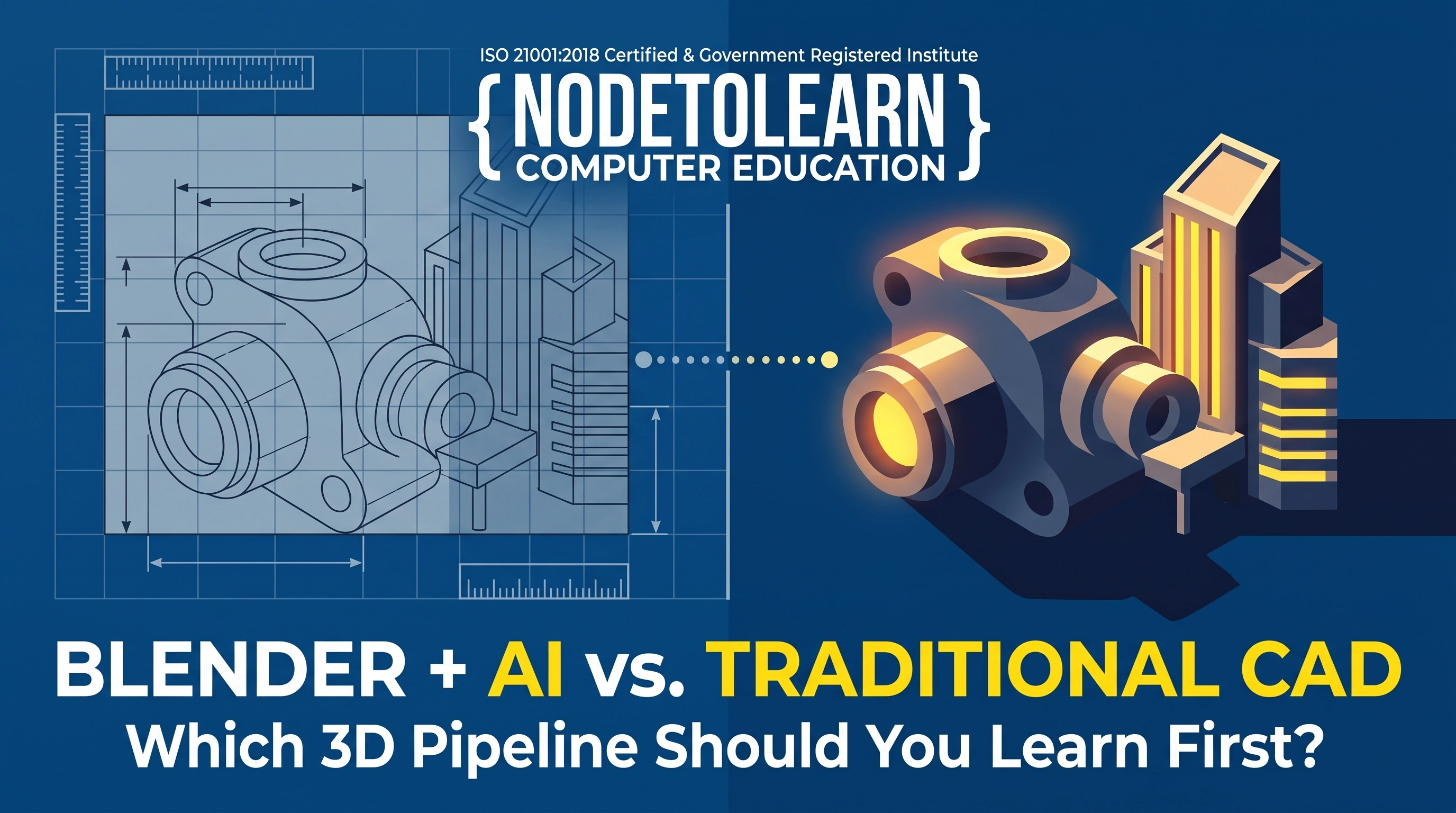
Quick Answer: Traditional CAD software is built for precision — exact measurements, engineering tolerances, and technical drawings. Blender, especially paired with modern AI-assisted tools, is built for visual storytelling — cinematic renders, organic shapes, and fast creative iteration. Most students don't need to choose permanently between them; the right starting point depends on whether the goal is technical/engineering work or visual/creative 3D work. NodeToLearn's Nanpura campus teaches both pipelines, so students can build the one that actually matches their career direction.
Two Different Problems, Two Different Tools
Traditional CAD software exists to solve engineering problems — a part needs to fit exactly, a building needs to meet structural specifications, a mechanical component needs precise tolerances. Blender exists to solve visual problems — how does a space feel, how does light hit a surface, how do you communicate an idea emotionally through a render. Comparing them head-to-head misses the point a little; they're built for genuinely different jobs.
Side-by-Side Comparison
| Factor | Traditional CAD | Blender + AI |
|---|---|---|
| Core strength | Precision, exact measurements, engineering constraints | Visual storytelling, cinematic rendering, creative iteration |
| Best for | Mechanical parts, architectural blueprints, manufacturing specs | Product visualization, architectural walkthroughs, character/asset design |
| Learning curve | Steep, precision-focused workflow | Steep but more visually intuitive, especially with AI-assisted tools |
| AI integration today | Limited, mostly optimization-focused | Growing rapidly — AI texturing, generative assets, render acceleration |
| Career path | Mechanical/civil engineering, manufacturing, technical design | Visualization artist, 3D content creator, product renders, animation |
Why Blender + AI Is Growing Faster Right Now
AI tools are being integrated into creative 3D workflows faster than into precision engineering CAD tools, mainly because generative AI is naturally suited to visual, less-constrained creative work — texturing, asset generation, render optimization — rather than exact-tolerance engineering specifications where a small error has real consequences. This is why Blender-based pipelines are currently seeing more visible AI-driven productivity gains than traditional CAD.
Which Should You Learn First?
- Start with traditional CAD if: you're heading toward mechanical engineering, civil/architectural engineering, product manufacturing, or any field where exact measurements and technical compliance matter most.
- Start with Blender + AI if: you're drawn to visual storytelling — architectural visualization, product marketing renders, character design, or content creation — where communicating a feeling matters more than exact tolerances.
- Learn both, eventually, if: you want maximum flexibility — many professional pipelines actually combine both, using CAD for precise structural data and Blender for the final cinematic presentation.
How NodeToLearn Approaches This Choice
Rather than pushing every student toward one tool, NodeToLearn's 3D Architectural Visualization and related design courses help students understand both pipelines and choose a starting point based on their actual career direction — engineering precision or visual storytelling — rather than picking based on which tool happens to be trending.
Can I switch from CAD to Blender later, or vice versa?
Yes, core 3D spatial thinking transfers well between the two, though each tool has its own specific workflow and interface to learn.
Is Blender good enough for professional architectural visualization?
Yes, Blender is widely used in professional visualization work, especially for cinematic, client-facing renders, often working alongside CAD-generated technical data.
Do I need a powerful computer to learn Blender with AI tools?
Reasonably capable hardware helps for rendering, though the fundamentals can be learned on standard systems, with rendering-heavy work benefiting from stronger hardware later.
Which pipeline has better job opportunities right now?
Both have steady demand in different sectors — CAD in engineering and manufacturing, Blender-based visualization in real estate, product marketing, and content creation.
Does NodeToLearn offer a free demo to help me choose?
Yes, a free demo/trial session is available so mentors can help you evaluate which pipeline fits your goals before committing.
Precision or Storytelling — Start With What Fits Your Goals
Book your free trial session at NodeToLearn Computer Education, Nanpura, Surat, and get 1-on-1 guidance choosing the right 3D pipeline.
Claim Your Free Trial


Frequently Asked Questions
Got questions? We've got answers. Explore everything you need to know about starting your tech career with NodeToLearn.
Still have questions?
Contact Our Team