

Which is the Best Software for Video Editing? (2026 Complete Guide)
 Jun 19, 2026
•
Jun 19, 2026
•
 NodeToLearn Expert
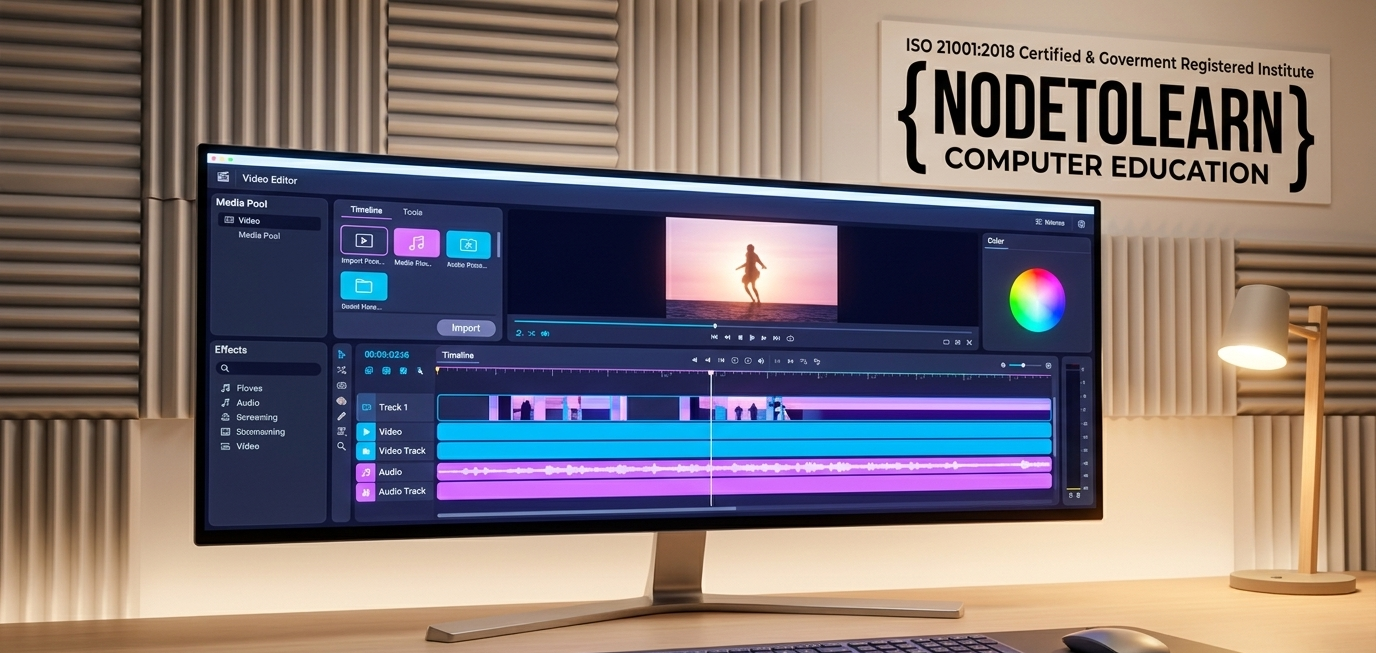
The 2026 Verdict: There is no single "best" editor; the choice depends entirely on your specific workflow. Adobe Premiere Pro remains the agency and marketing standard for asset sharing, DaVinci Resolve dominates independent filmmaking and color precision, Final Cut Pro delivers unmatched speed on Mac systems, and CapCut is the definitive leader for fast, social-first vertical content.
Video creation has changed drastically over the last few years. In 2026, post-production is no longer just about slicing clips together on a timeline. With machine-learning engines automating rough cuts, transcription pipelines building instant subtitles, and multi-format algorithms reformating widescreen projects into vertical clips, the tools we use have evolved. Whether you are an aspiring creator looking to build an online brand or an engineering student looking to expand into digital media, picking the right platform determines how quickly and efficiently you can bring your ideas to life.
The Industry Giants: Which Workspace Fits Your Needs?
The professional editing market is currently led by four distinct software ecosystems, each engineered for a specific creative objective:
1. Adobe Premiere Pro — The Collaborative Standard
Premiere Pro remains the default choice for agencies and media teams. Its strength lies in deep connection to the Adobe Creative Cloud. Through Dynamic Link, editors bounce assets directly between Premiere and After Effects. Its built-in AI tools excel at speech enhancement and automated caption tracking.
2. Blackmagic DaVinci Resolve — The All-In-One Powerhouse
DaVinci Resolve is the unchallenged standard for color grading. It integrates standard video editing, node-based visual effects, and professional audio engineering into a single app, eliminating the need to jump between multiple software packages during post-production.
3. Apple Final Cut Pro — Optimized Mac Performance
For solo creators working on Mac, Final Cut Pro offers exceptional hardware optimization. Built specifically for Apple Silicon, it delivers smooth timeline playback and incredibly fast export speeds. Its signature magnetic timeline prevents accidental track overlapping.
4. CapCut (Desktop) — Social-First Efficiency
CapCut has evolved into a powerful desktop editor for short-form creators. It handles background removal, audio beat synchronization, and trending text animations automatically, making it the perfect choice for high-volume vertical video creation.
Technical Evaluation: Comparing Key Core Platforms
To help you budget your subscription and hardware choices, review this direct feature breakdown:
| Software Suite | Pricing | Primary Advantage |
|---|---|---|
| Premiere Pro | Monthly Subscription | Adobe Application Integrations |
| DaVinci Resolve | Free / One-time Fee | Elite Color Grading & Audio |
| Final Cut Pro | One-time Purchase | Apple Hardware Optimization |
Trying to master these complex interfaces by watching random online video tutorials often leads to frustration. Without a structured workflow, it is easy to run into playback lag, corrupted audio links, or messy timelines. If you want to transform your creative interests into real technical skills, choosing a structured, hands-on learning environment is the fastest path forward. For students searching for the absolute premier video editing course in Surat, picking an institution that emphasizes practical creation over plain theory is vital.
This focus on practical mastery is exactly why NodeToLearn stands out, offering an elite AI-assisted post-production class designed to match modern media demands. Recognized across South Gujarat as a top-rated multimedia institute, their curriculum provides direct 1-on-1 access to seasoned video engineers. If your core goal is to learn video editing in Surat through personalized, career-oriented creative courses, NodeToLearn gives you your own private edit bay. Here, you will master advanced multi-cam tracking, craft high-end cinematic color grades, and build a spectacular portfolio that commands top value in today's media market.
The Production Rule: Modern media companies do not look at software certificates. They look at your showreel. Your technical value depends entirely on your pacing choices, sound design precision, and ability to keep an audience engaged.
Ready to Master Industry-Standard Post-Production?
Stop guessing your way through complex timelines. Sit down with a professional editor to review your rendering workflow and build a custom creative training path.
Book a Free 1-on-1 Editing Session & Showreel Assessment


Frequently Asked Questions
Got questions? We've got answers. Explore everything you need to know about starting your tech career with NodeToLearn.
Still have questions?
Contact Our Team